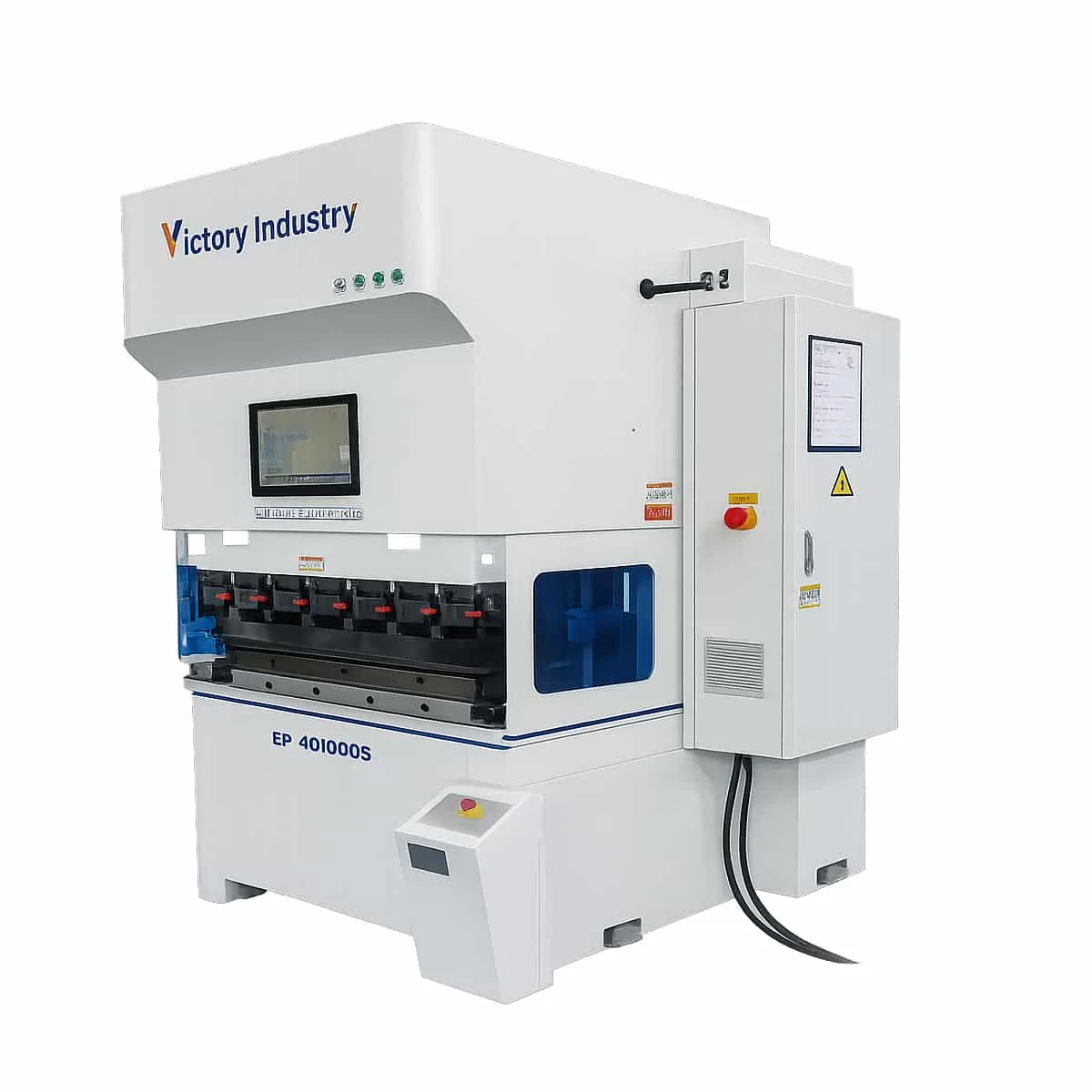
Electric Servo CNC Press Brake
CNC Press Brake
- Tonnage
- 20—130T
- Machining Length
- 1000mm—3200mm

Compare the listed configurations and open a model for its technical details.
CNC Press Brake
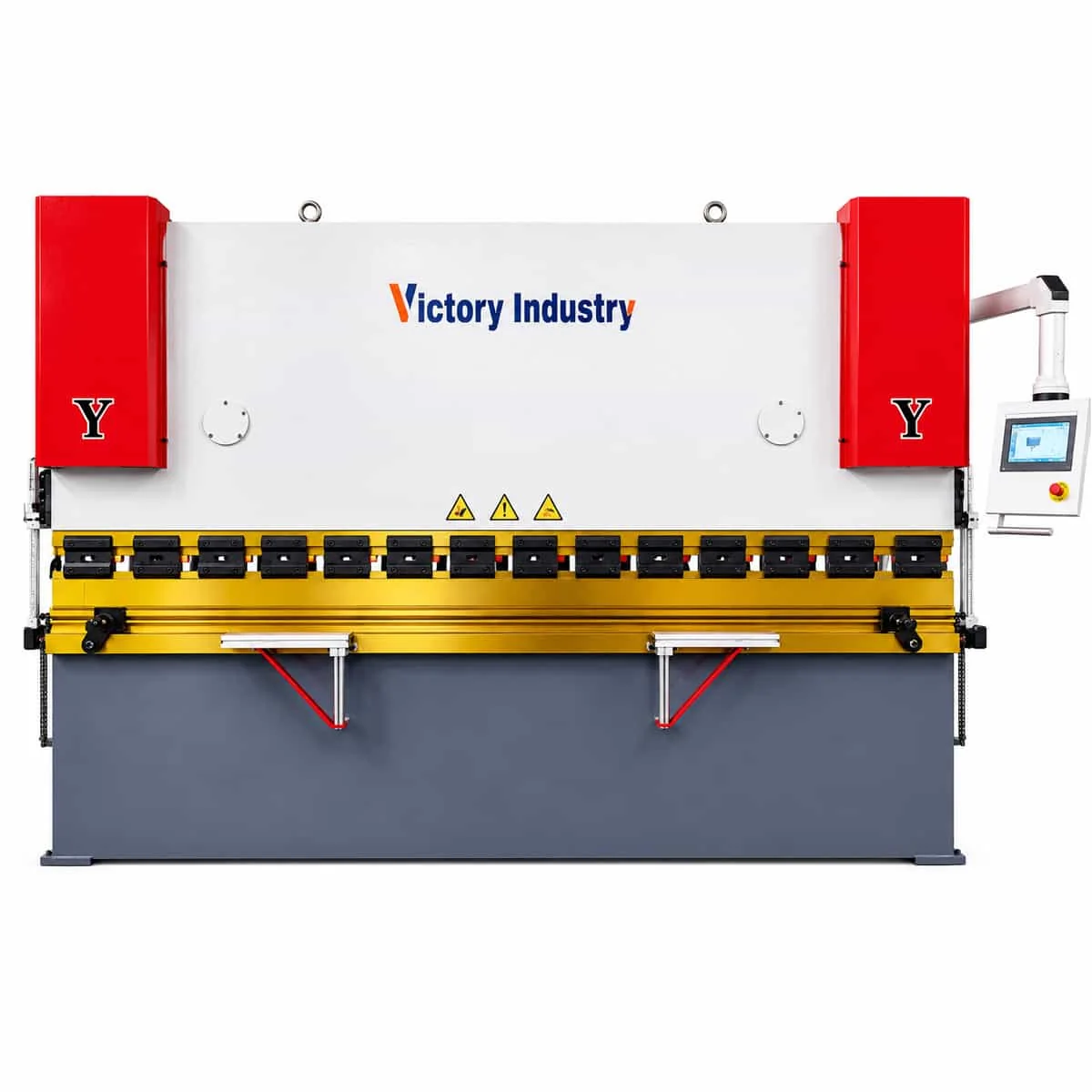
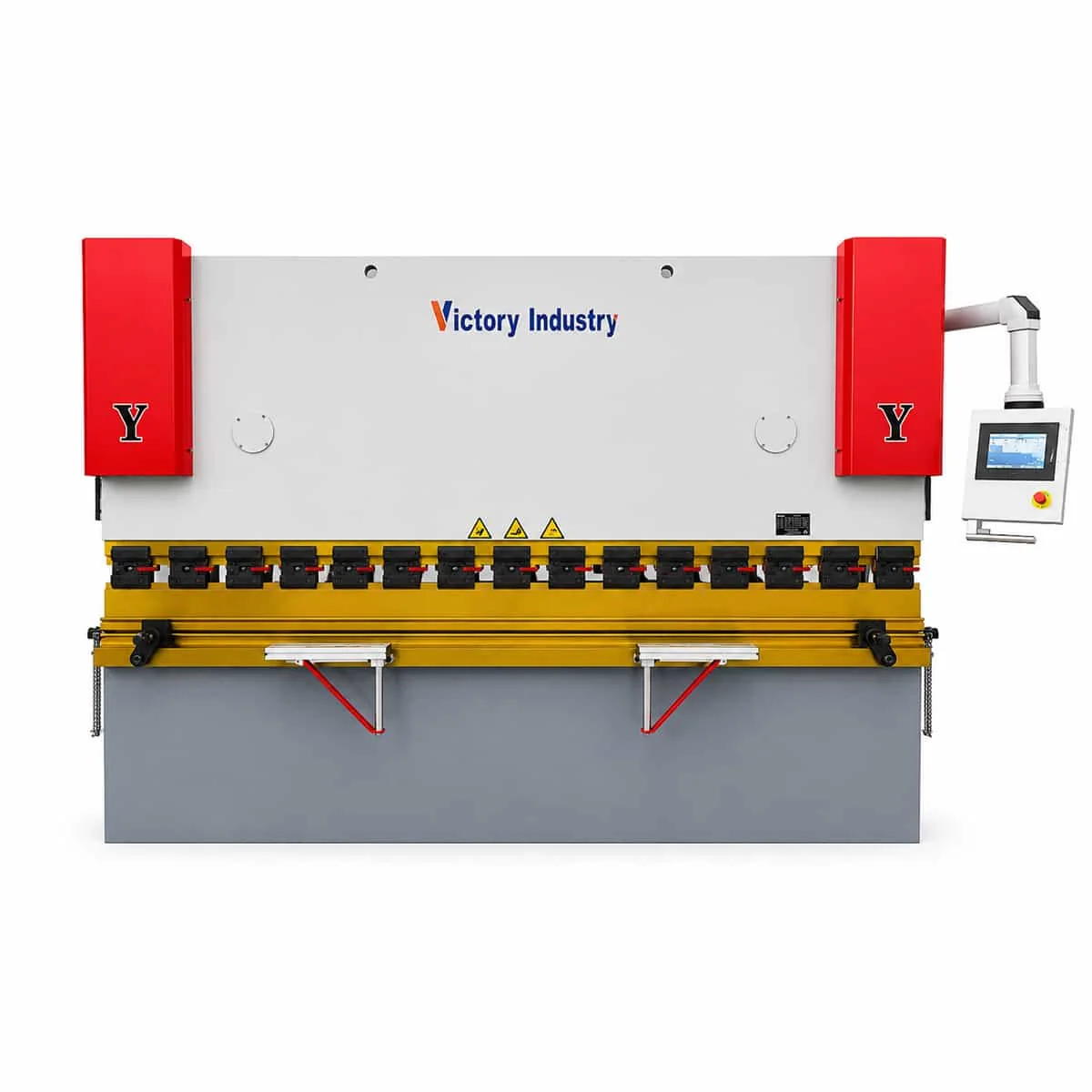
CNC Press Brake
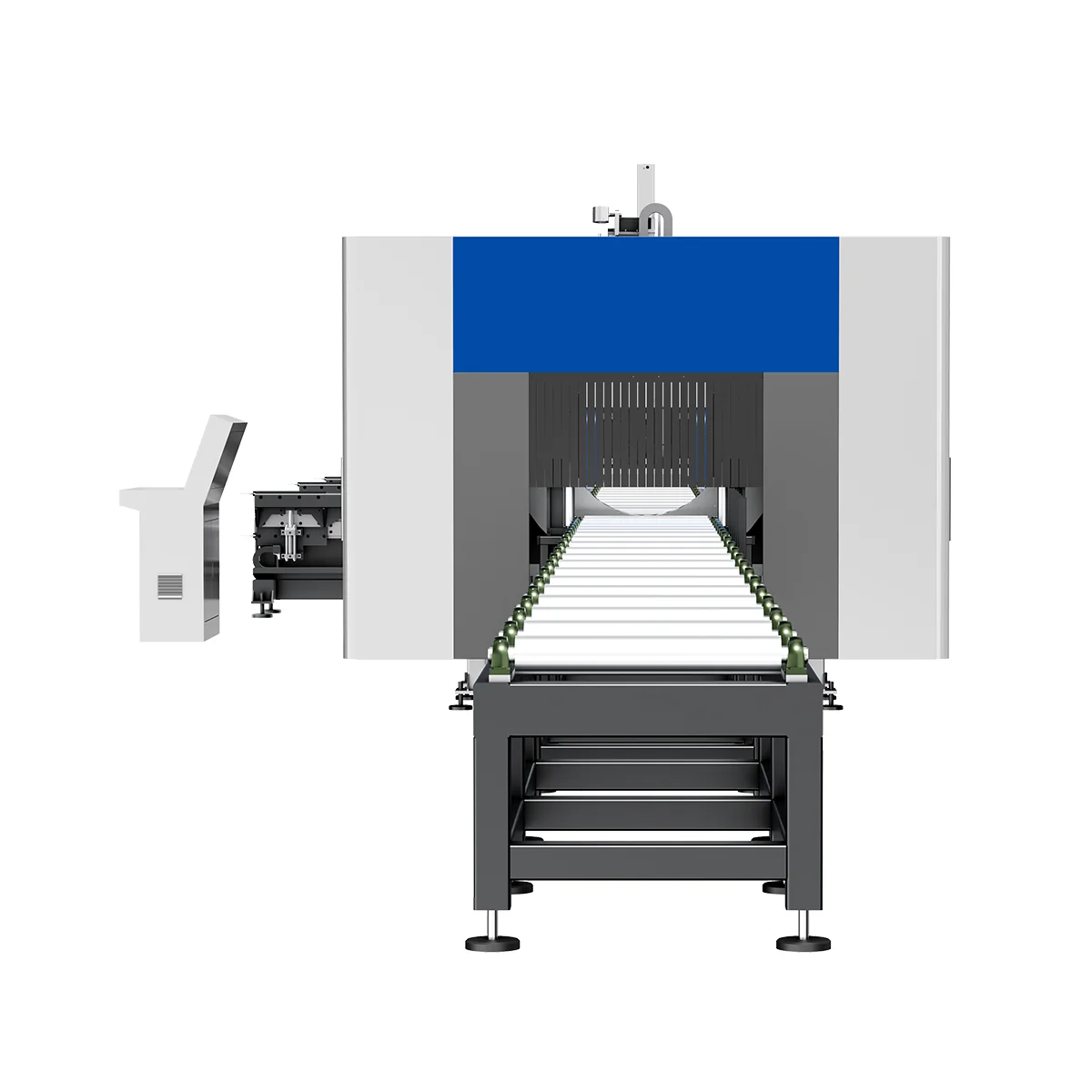
Tube Laser Cutting Machine
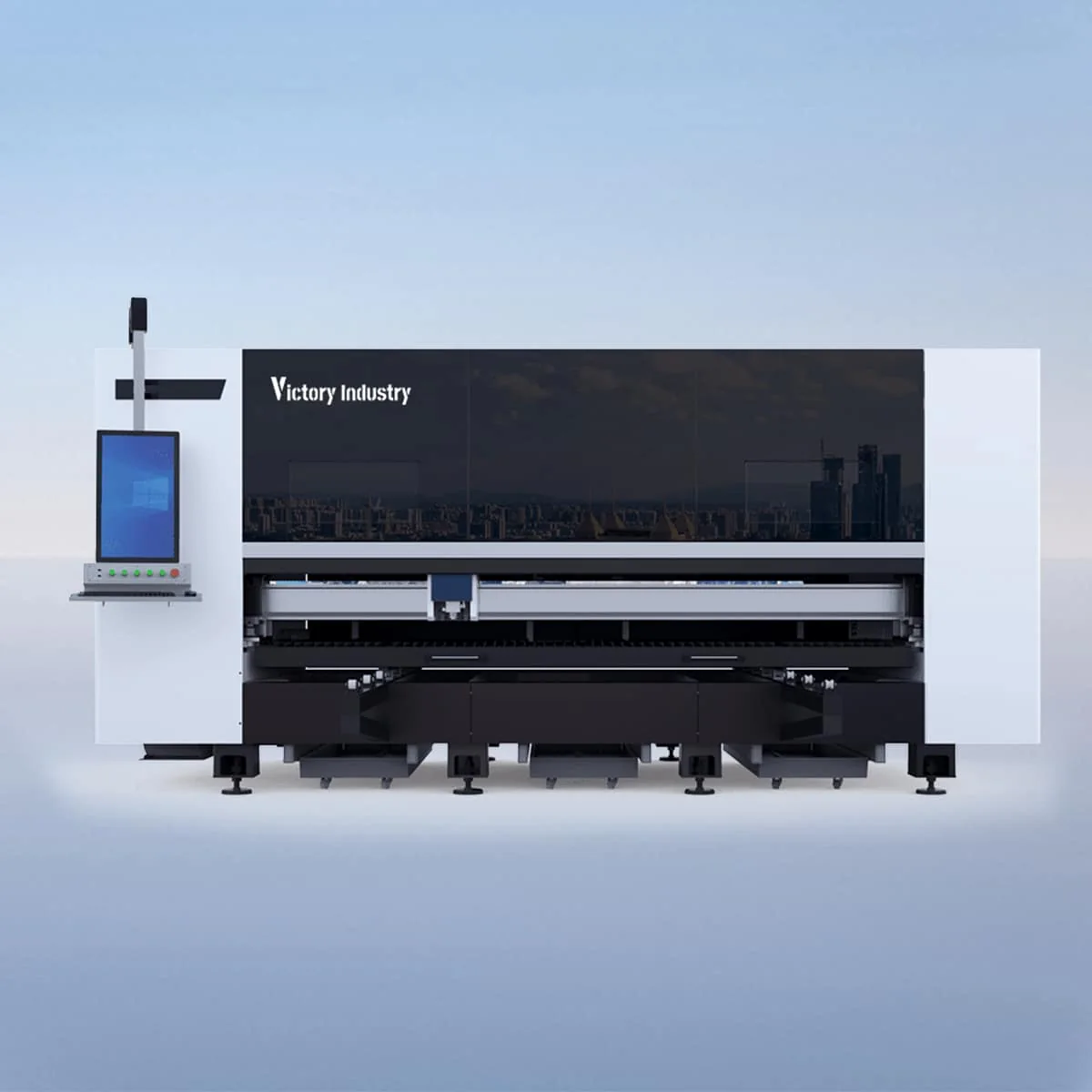
Sheet Laser Cutting Machine
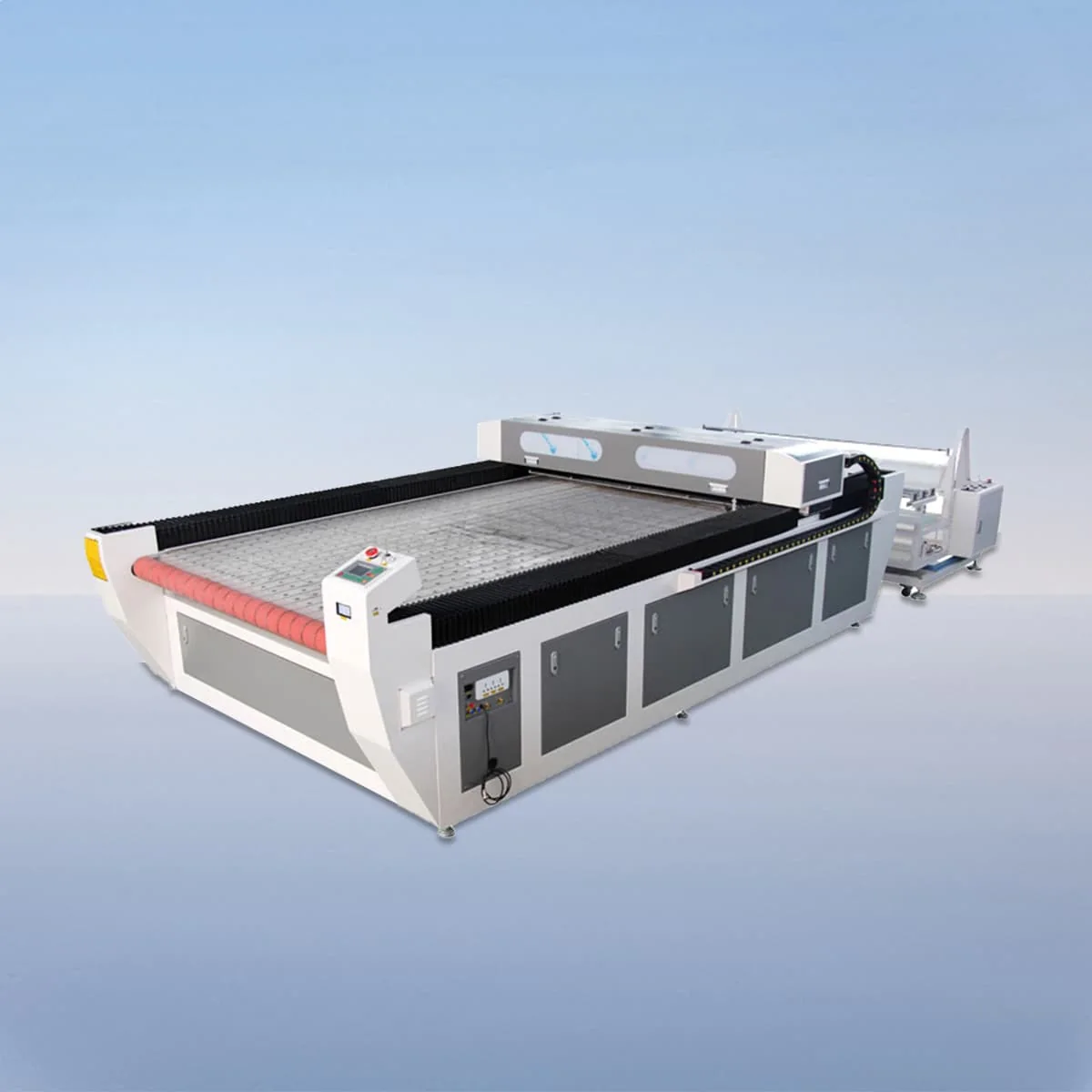
Laser Cutting Machine
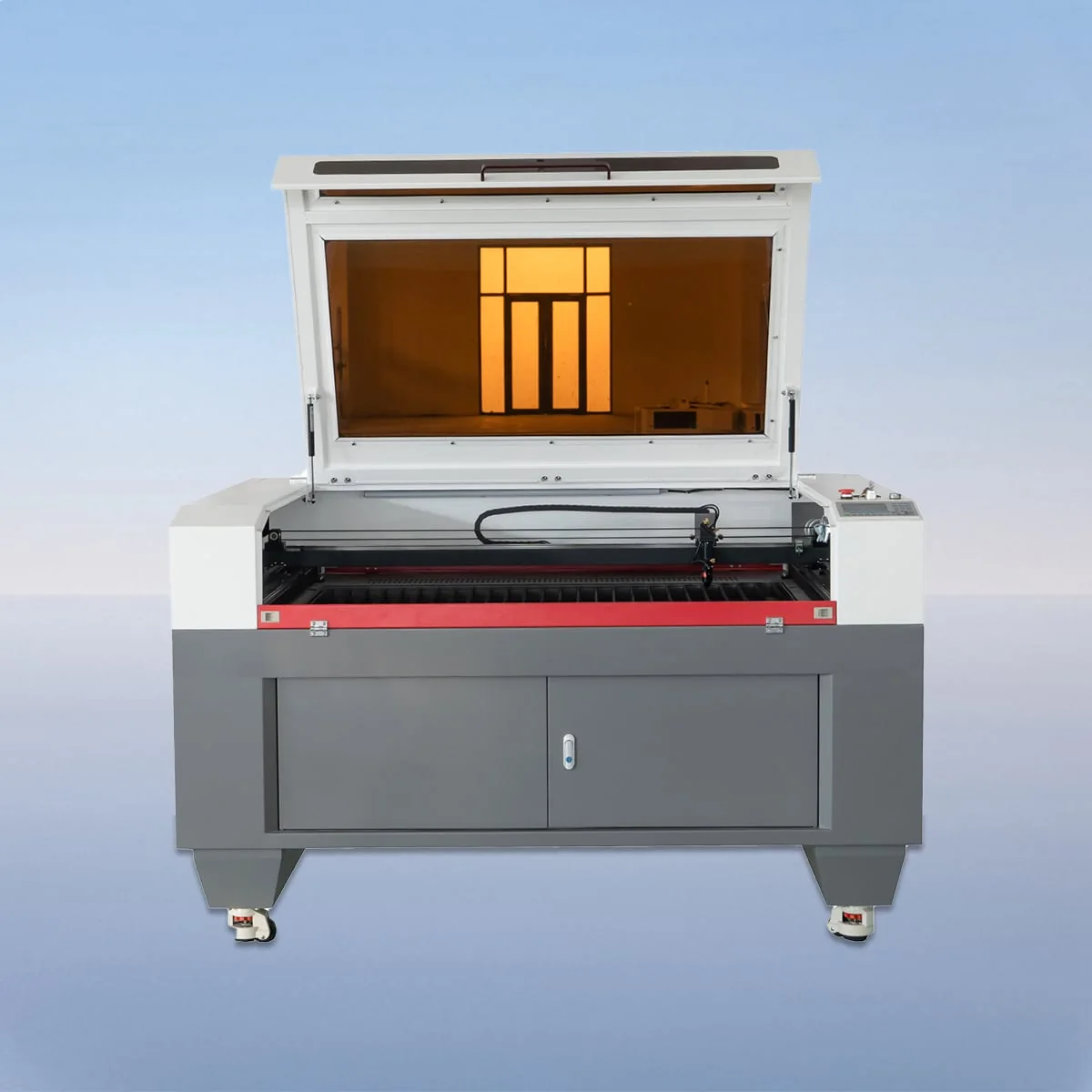
Laser Cutting Machine
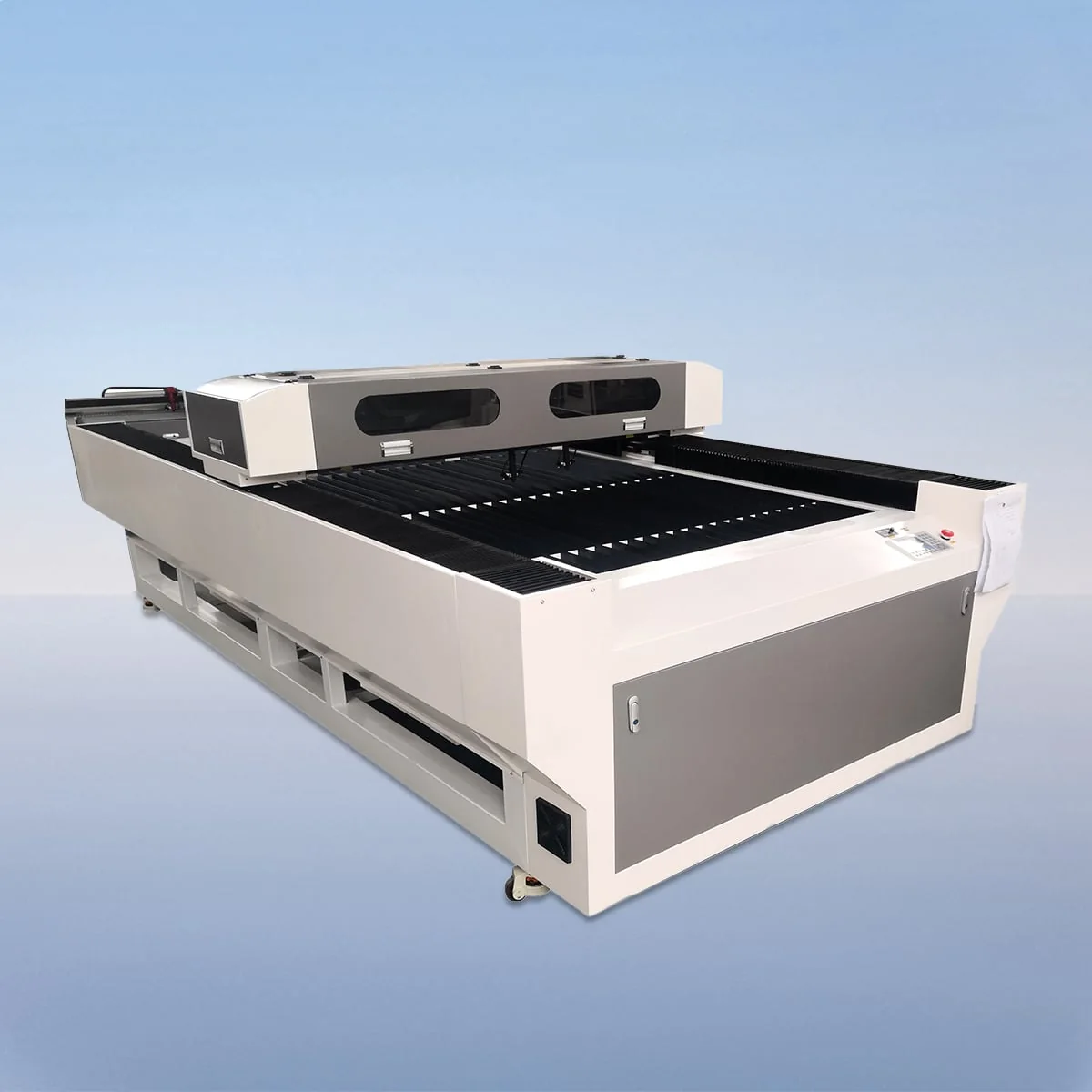
Laser Cutting Machine
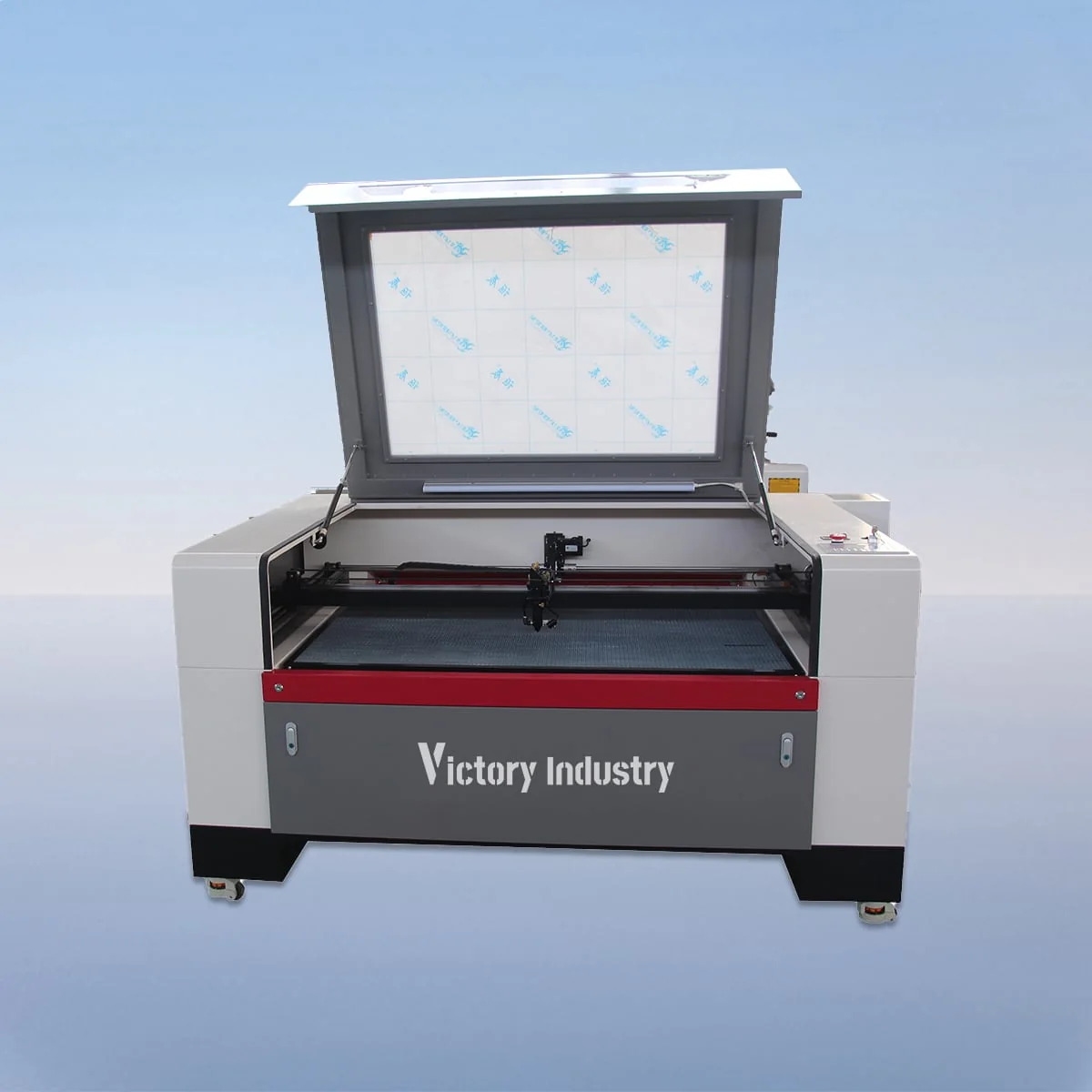
Laser Cutting Machine
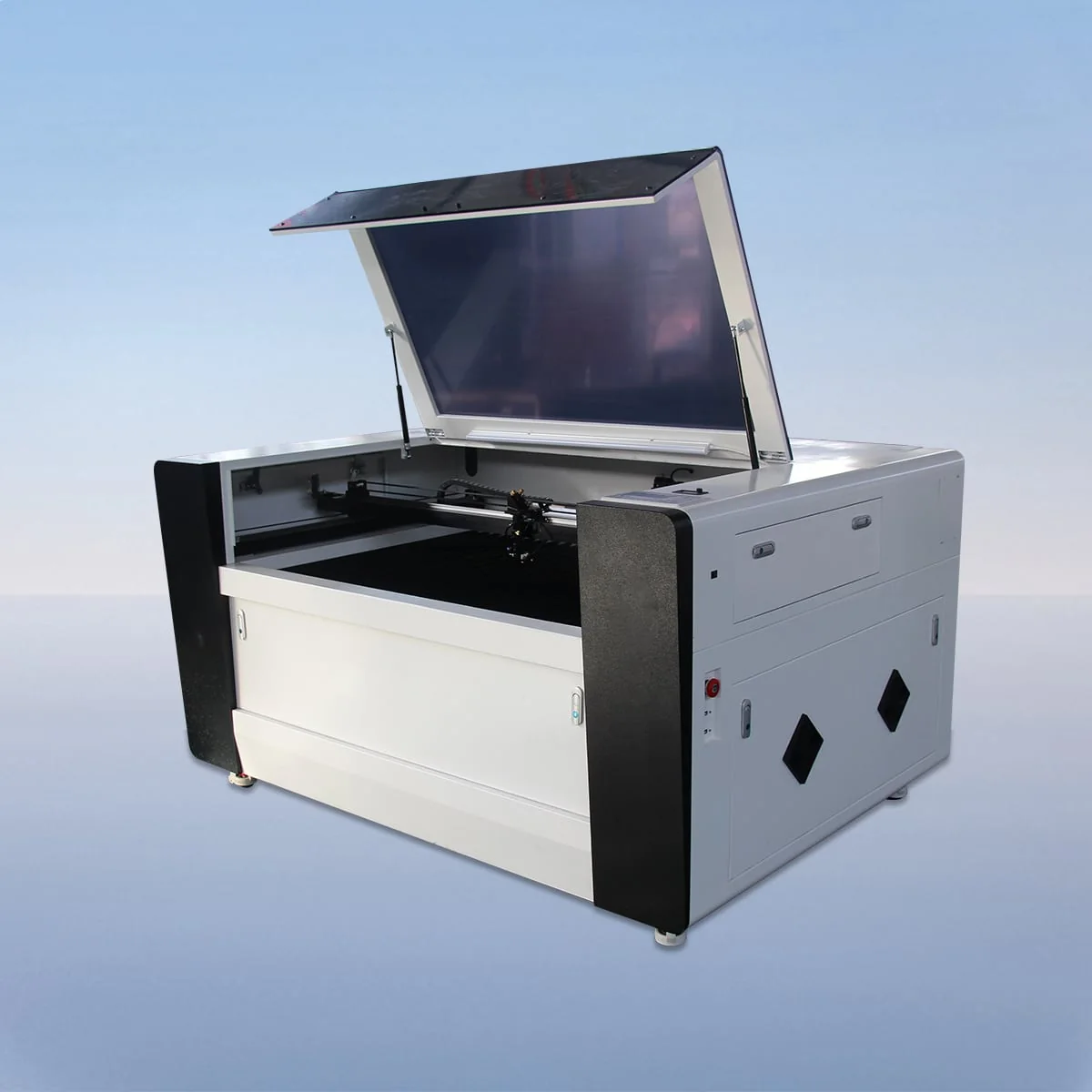
Laser Cutting Machine
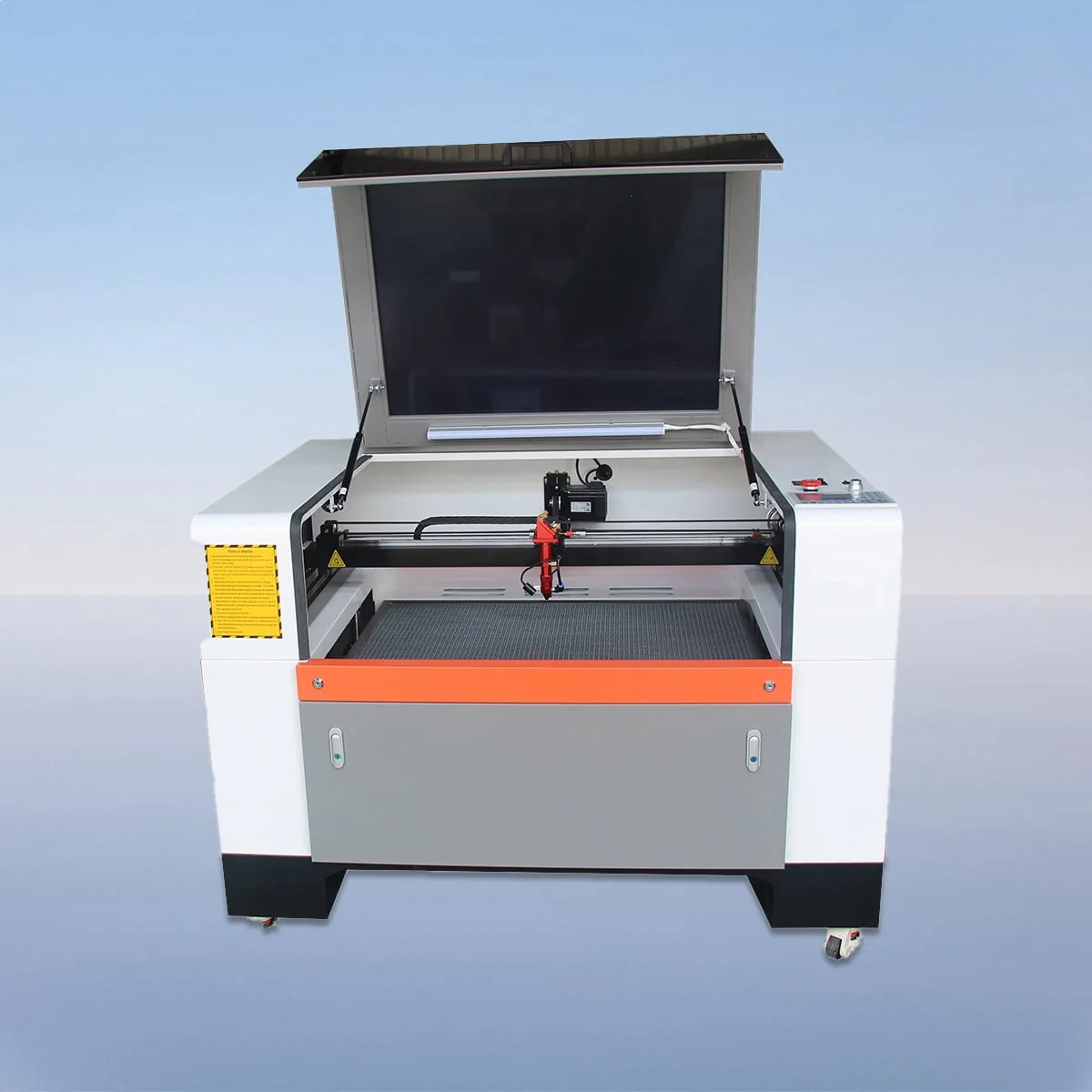
Laser Cutting Machine
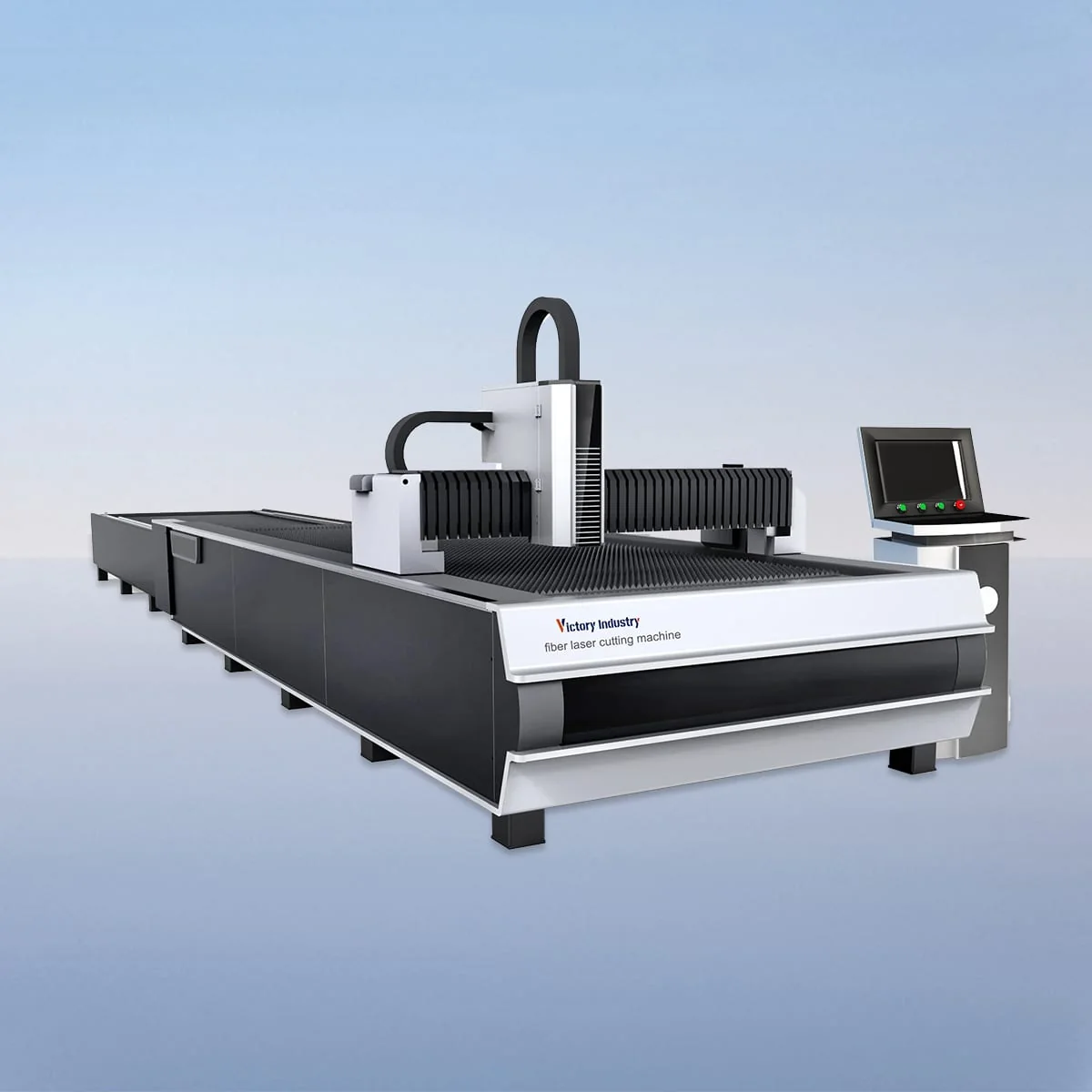
Sheet Laser Cutting Machine
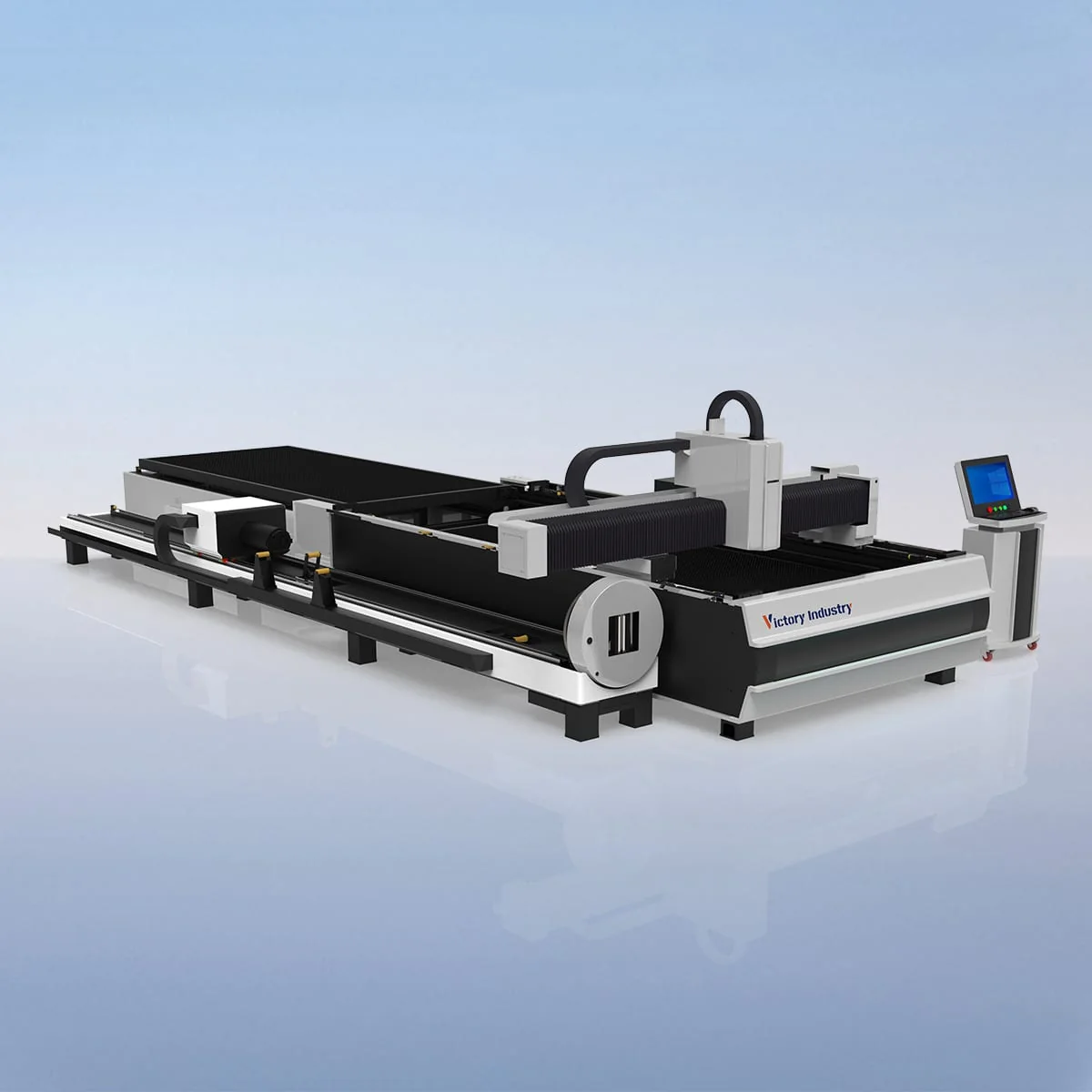
Tube And Sheet Laser Cutting Machine
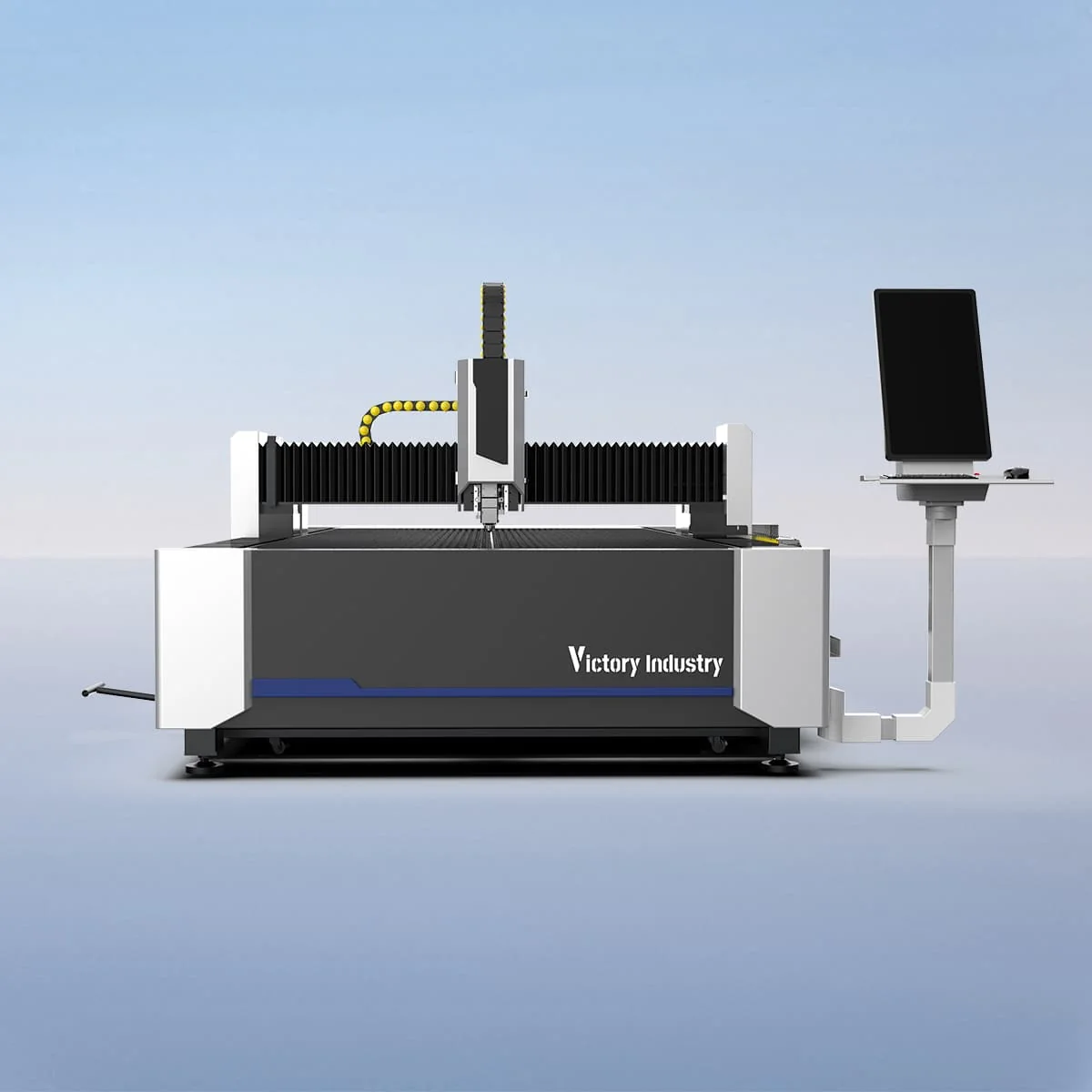
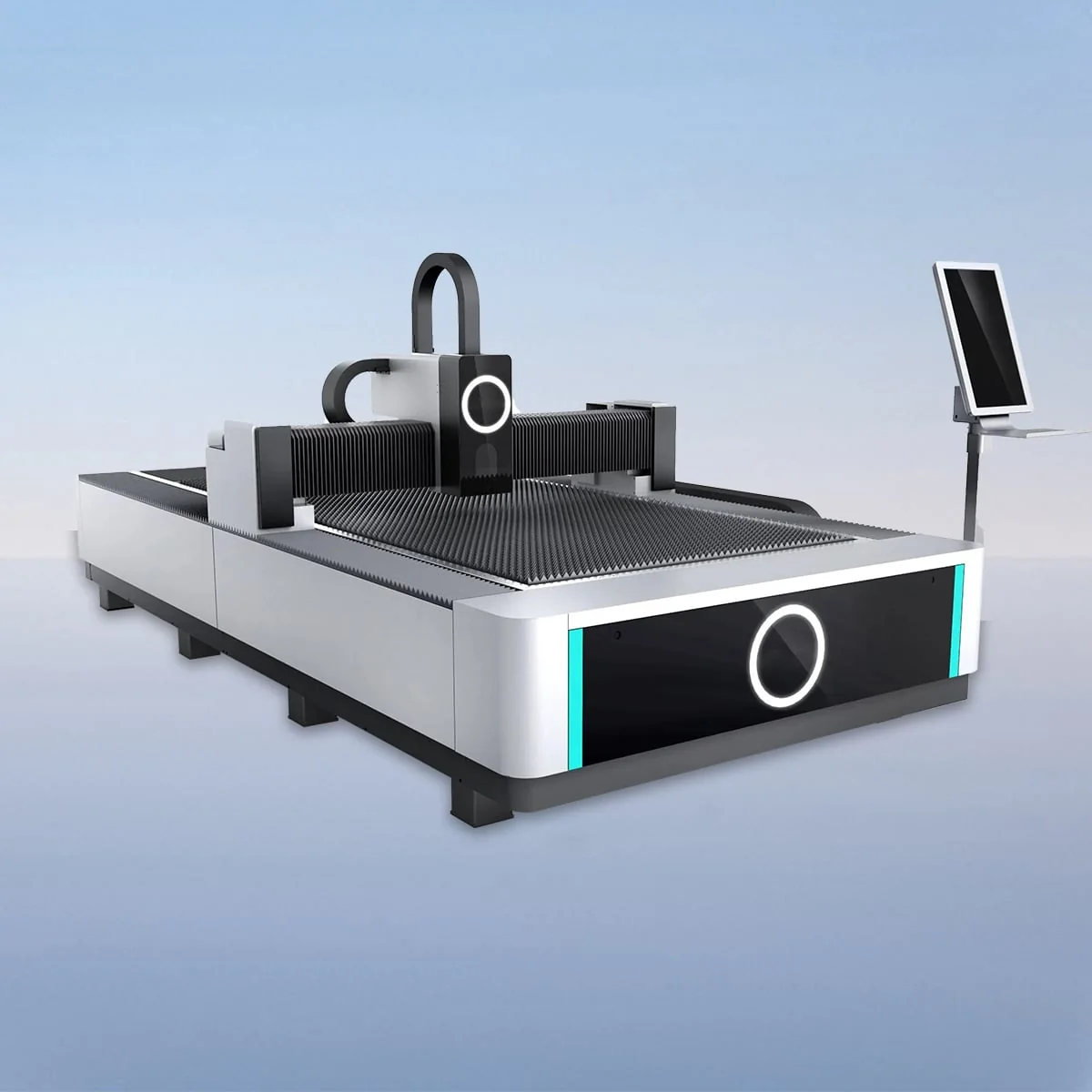
Sheet Laser Cutting Machine
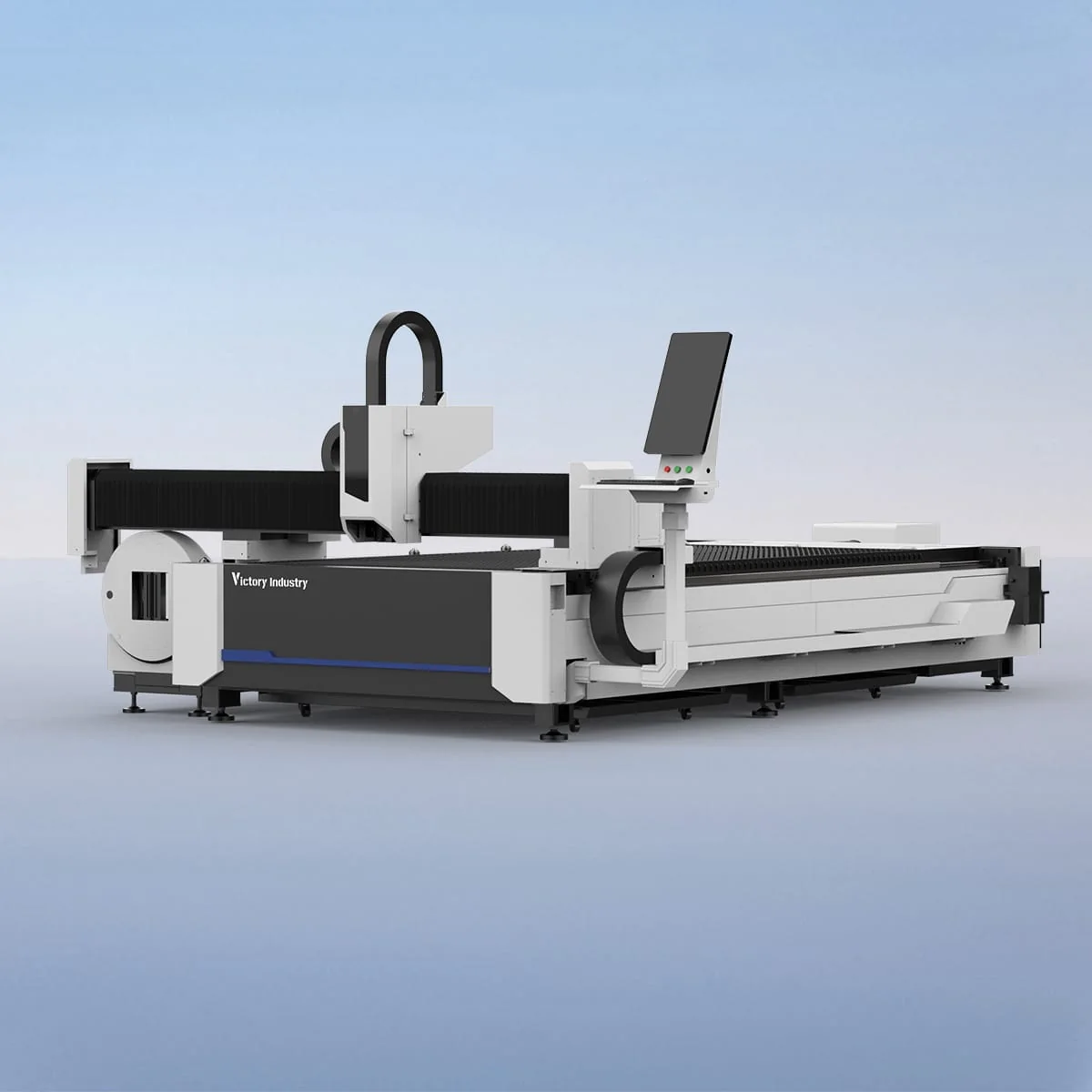
Tube And Sheet Laser Cutting Machine
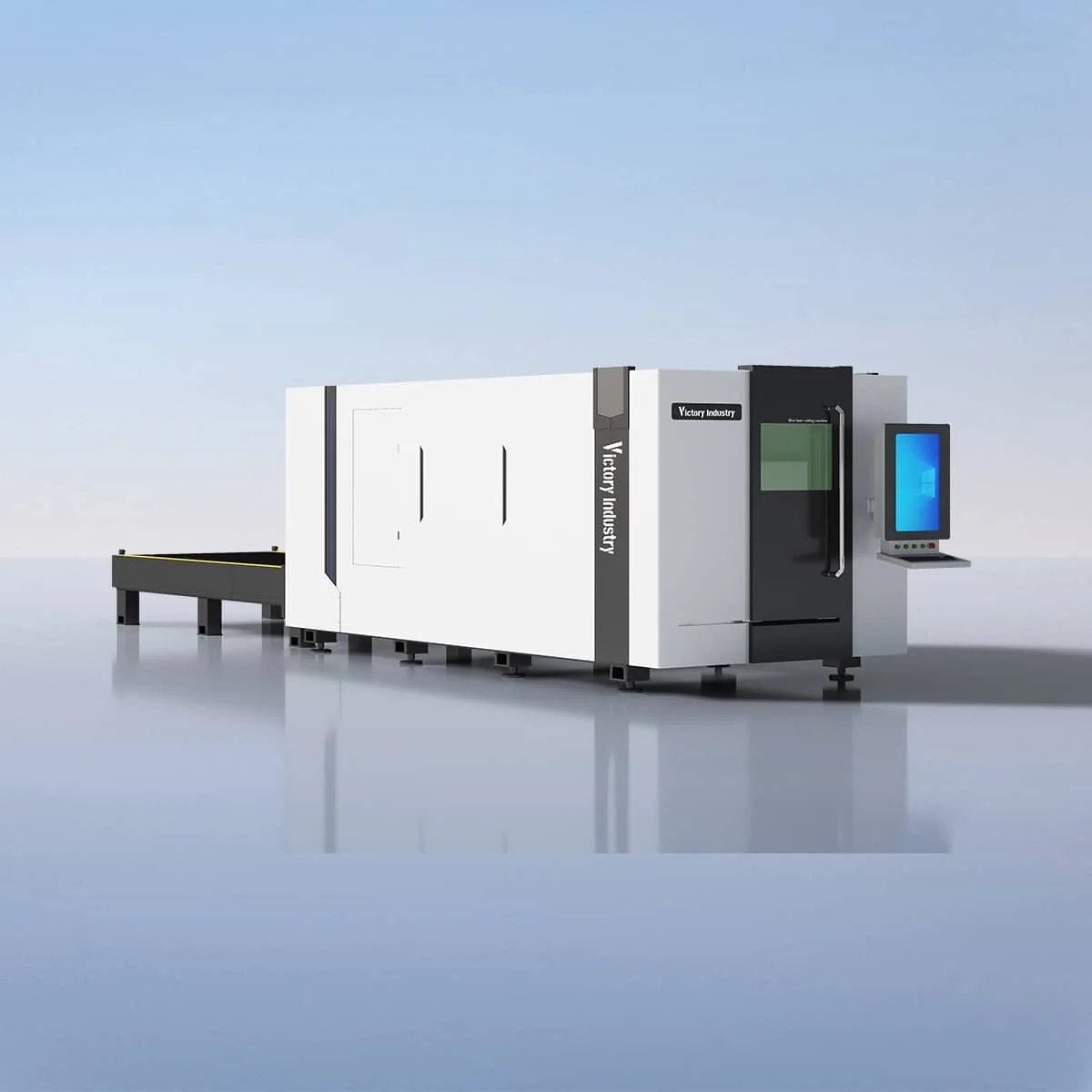
Sheet Laser Cutting Machine
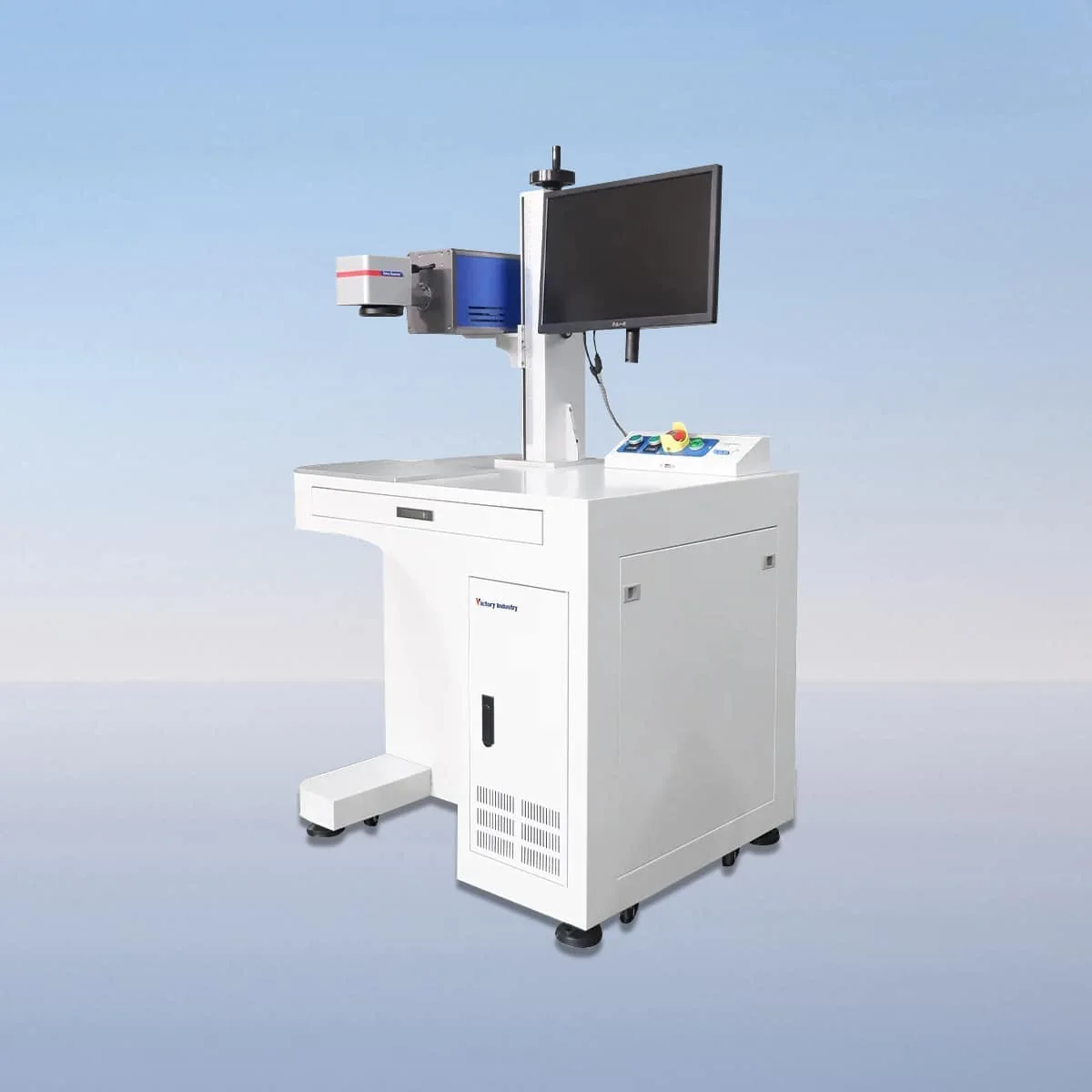
Laser Marking Machine
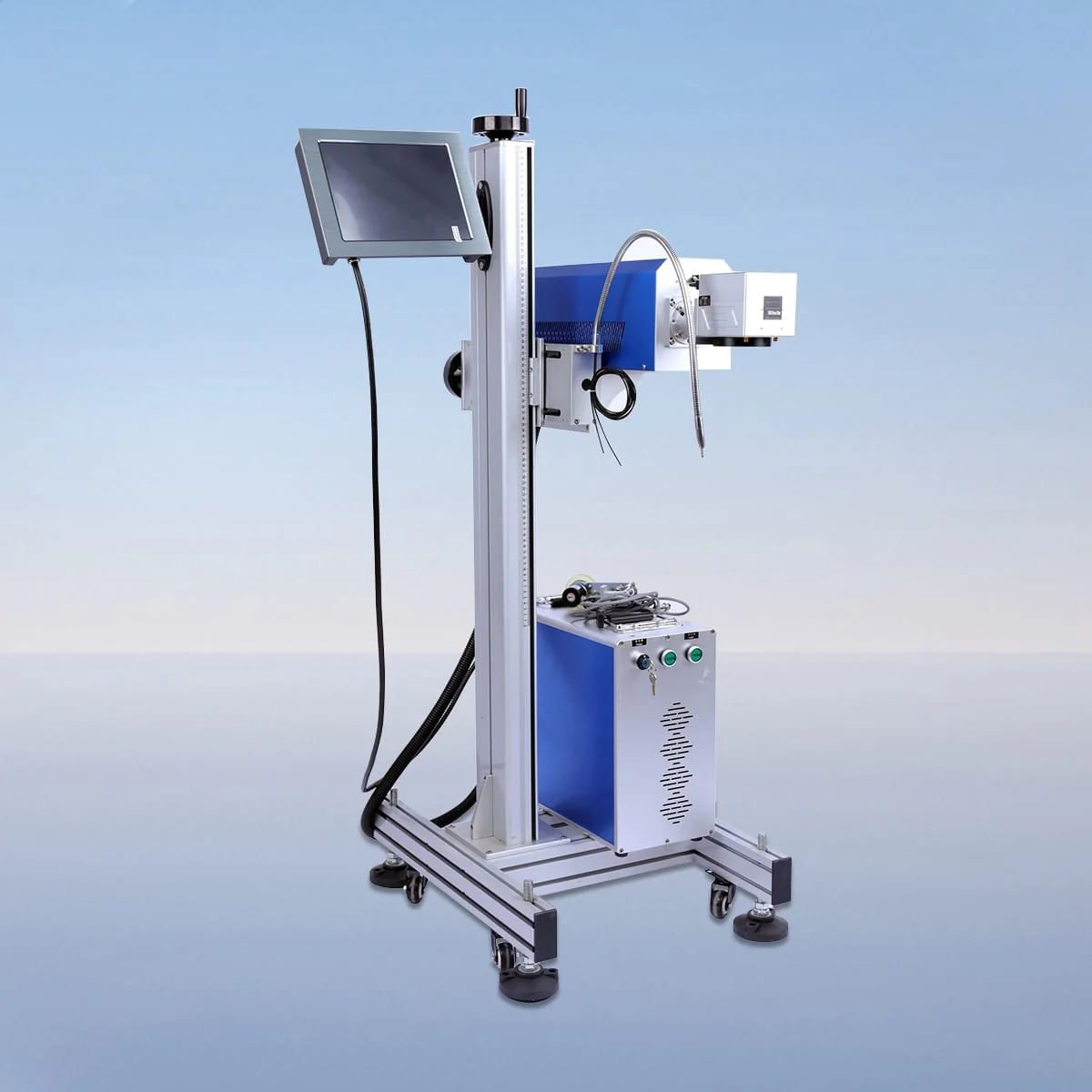
Laser Marking Machine
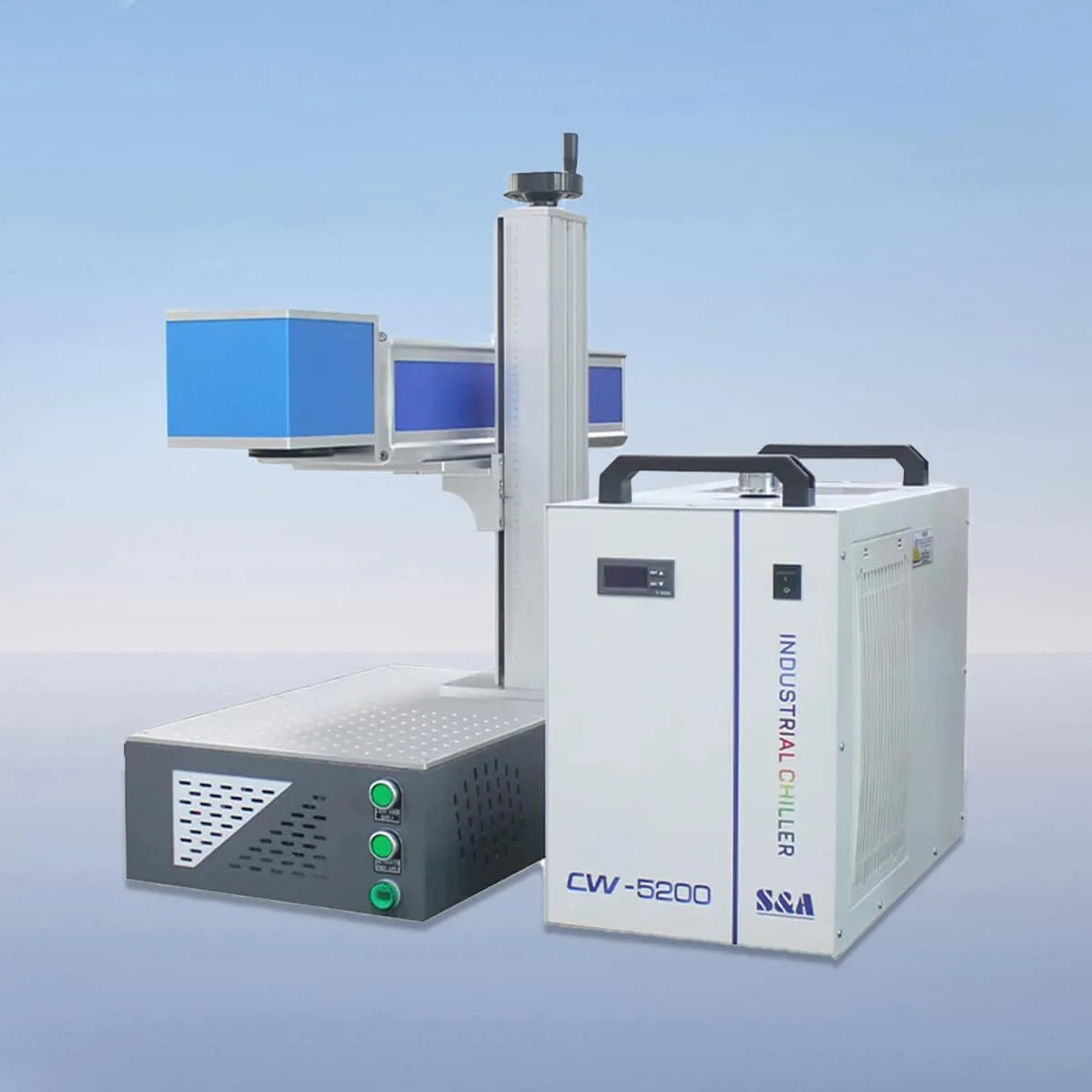
Laser Marking Machine
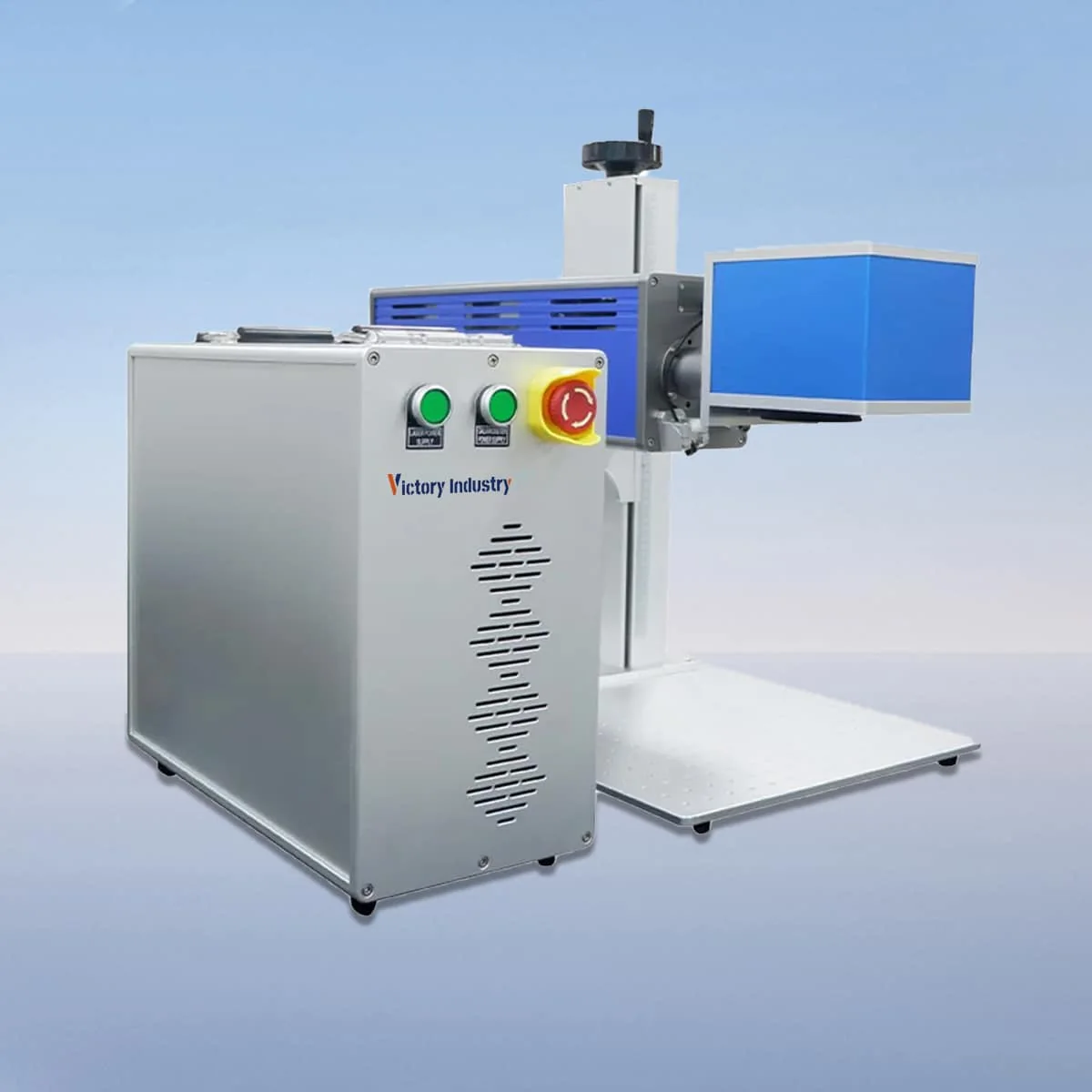
Laser Marking Machine
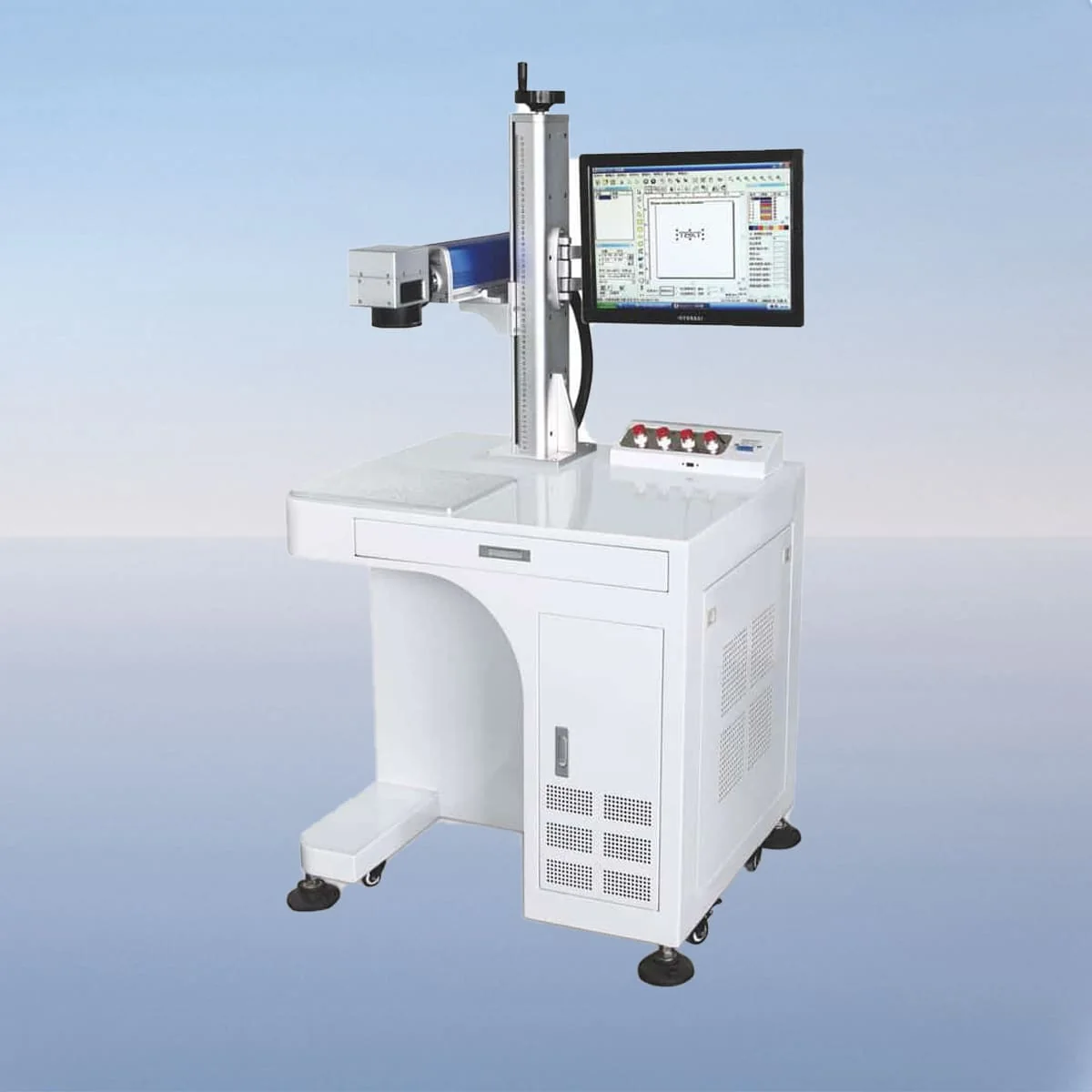
Laser Marking Machine
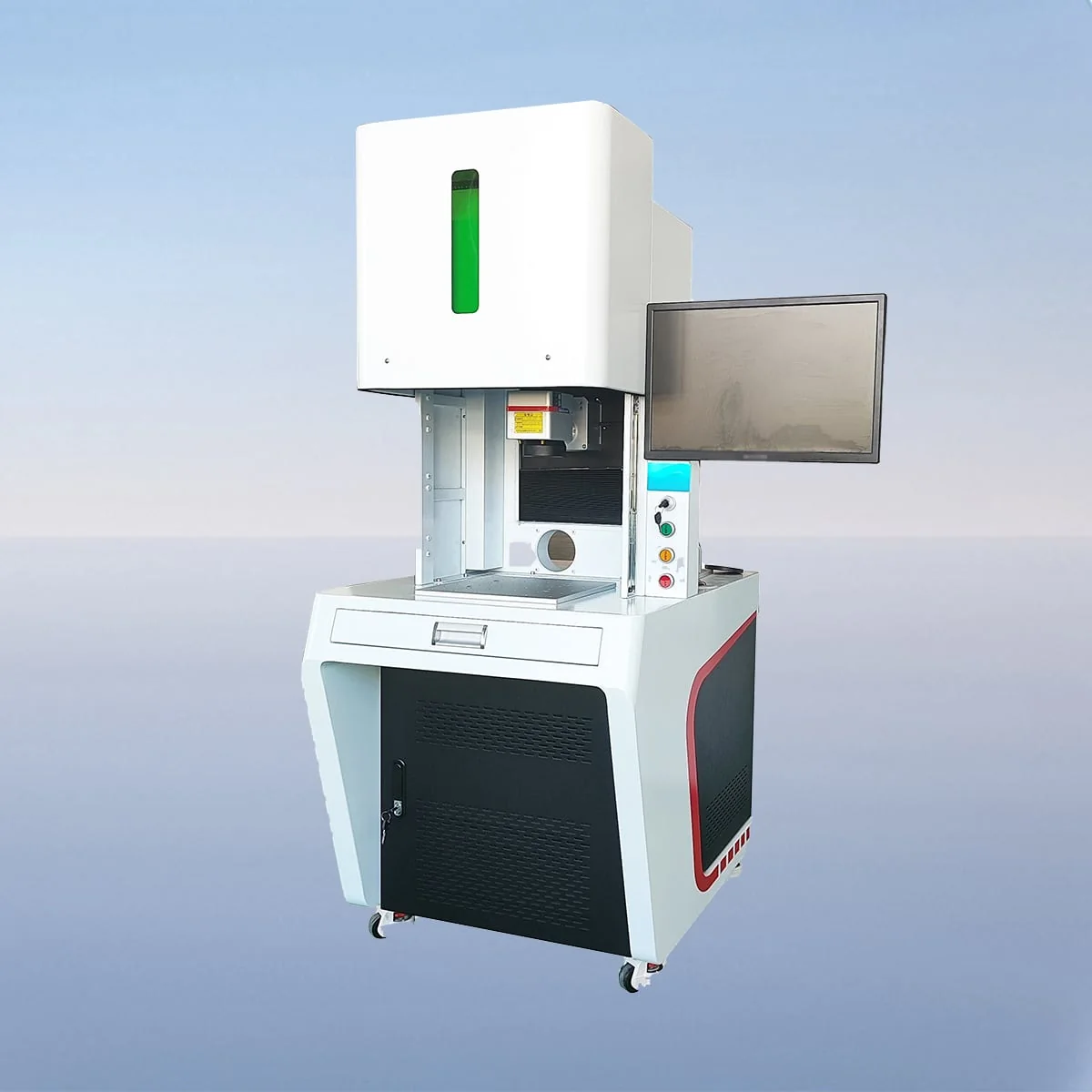
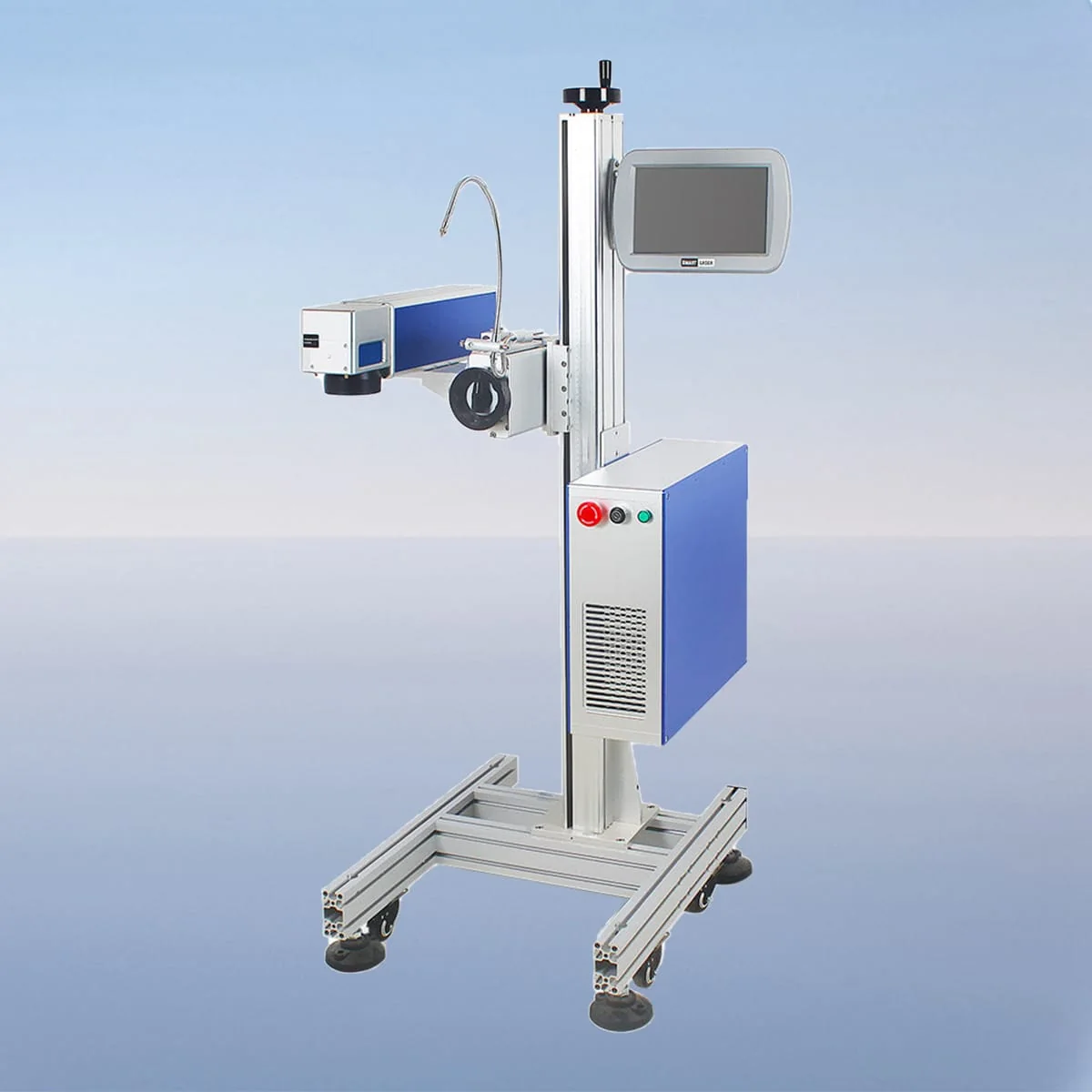
Laser Marking Machine
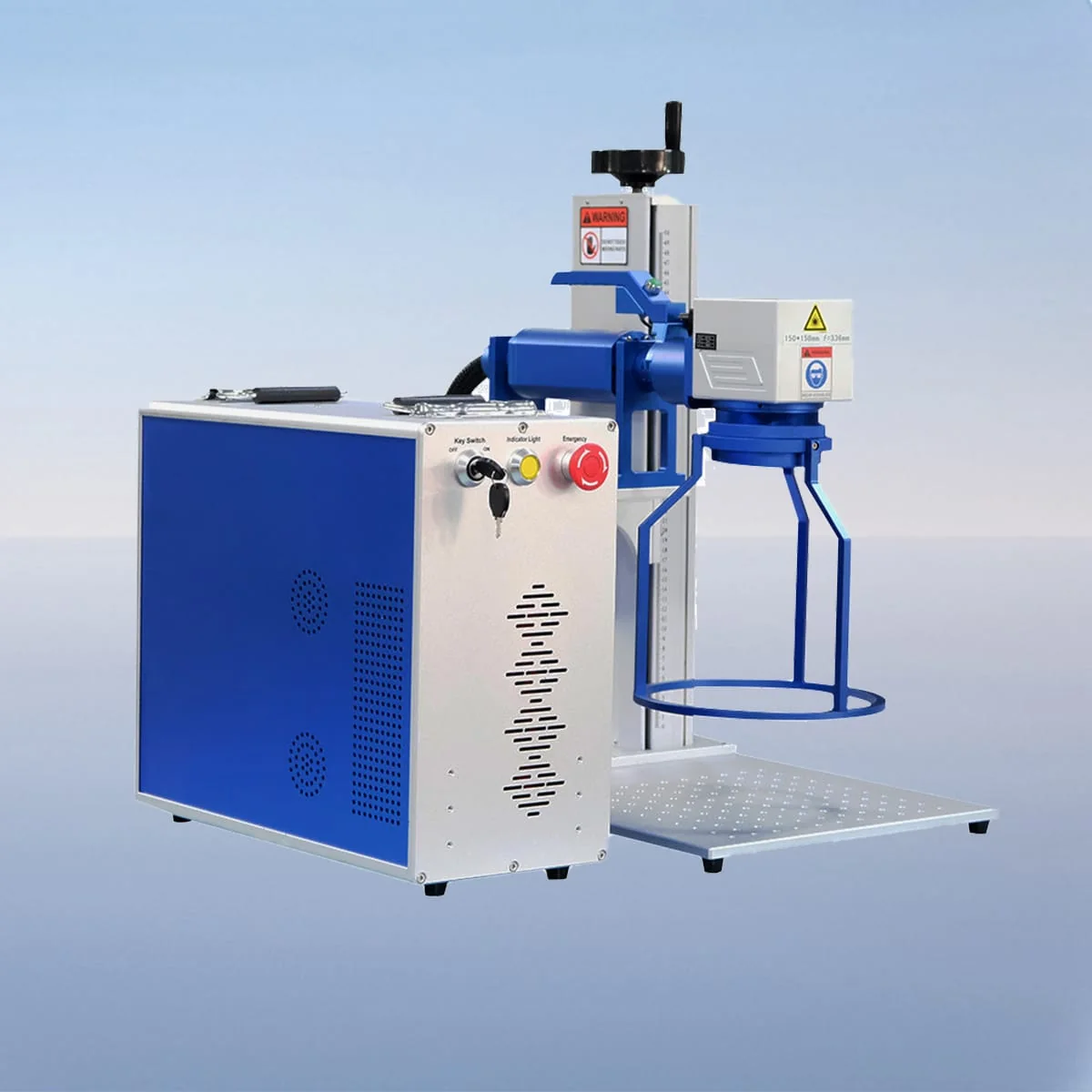
Laser Marking Machine
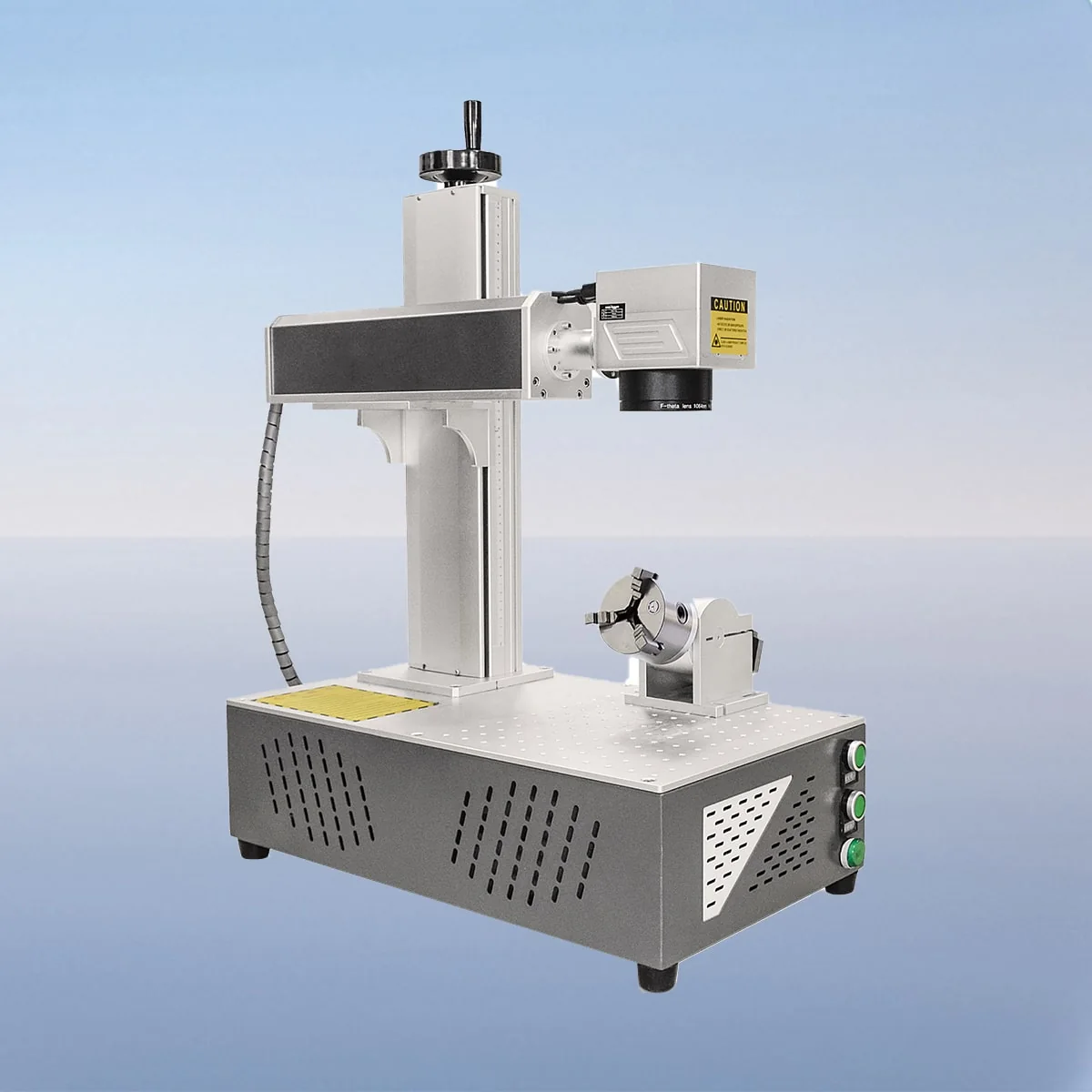
Laser Marking Machine
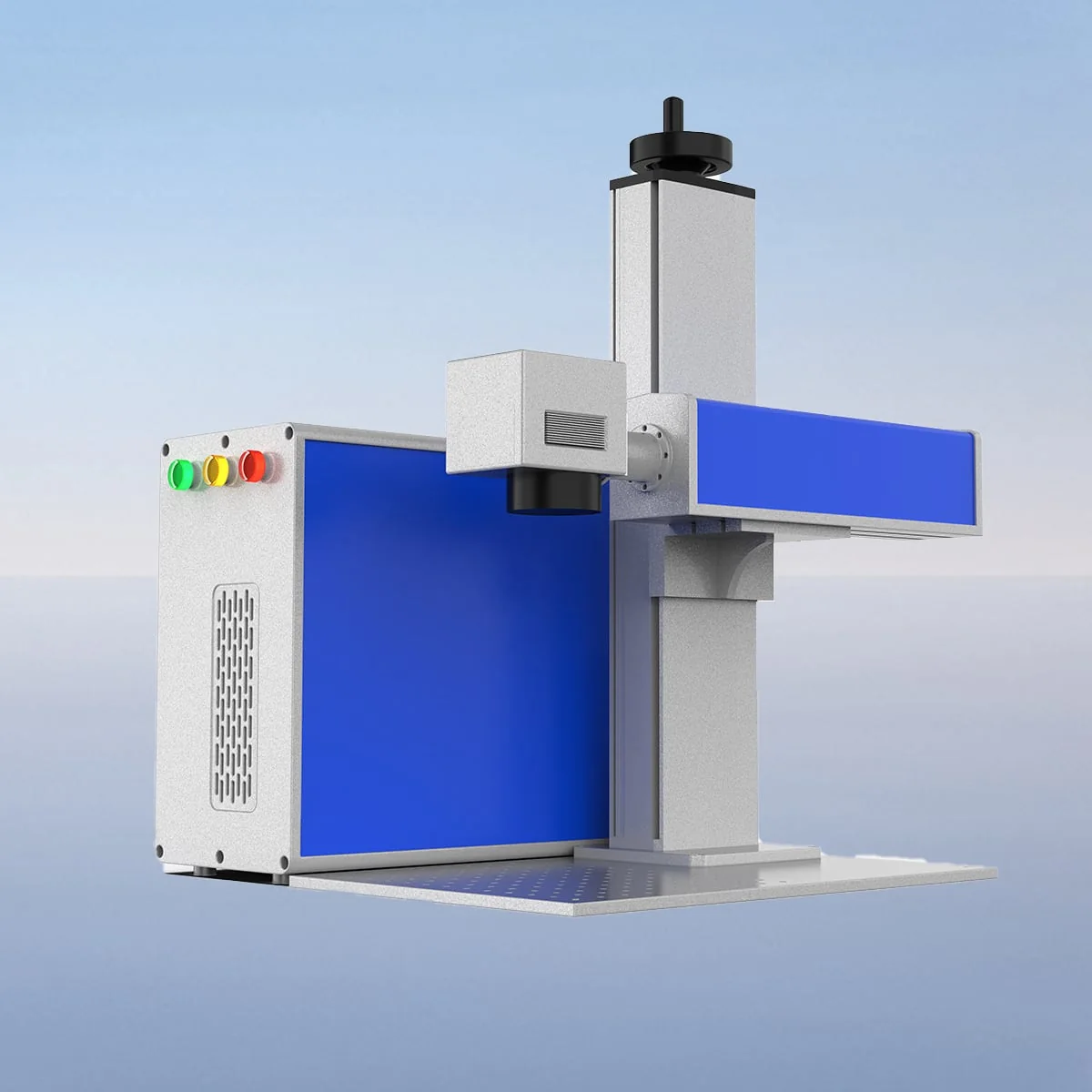
Laser Marking Machine
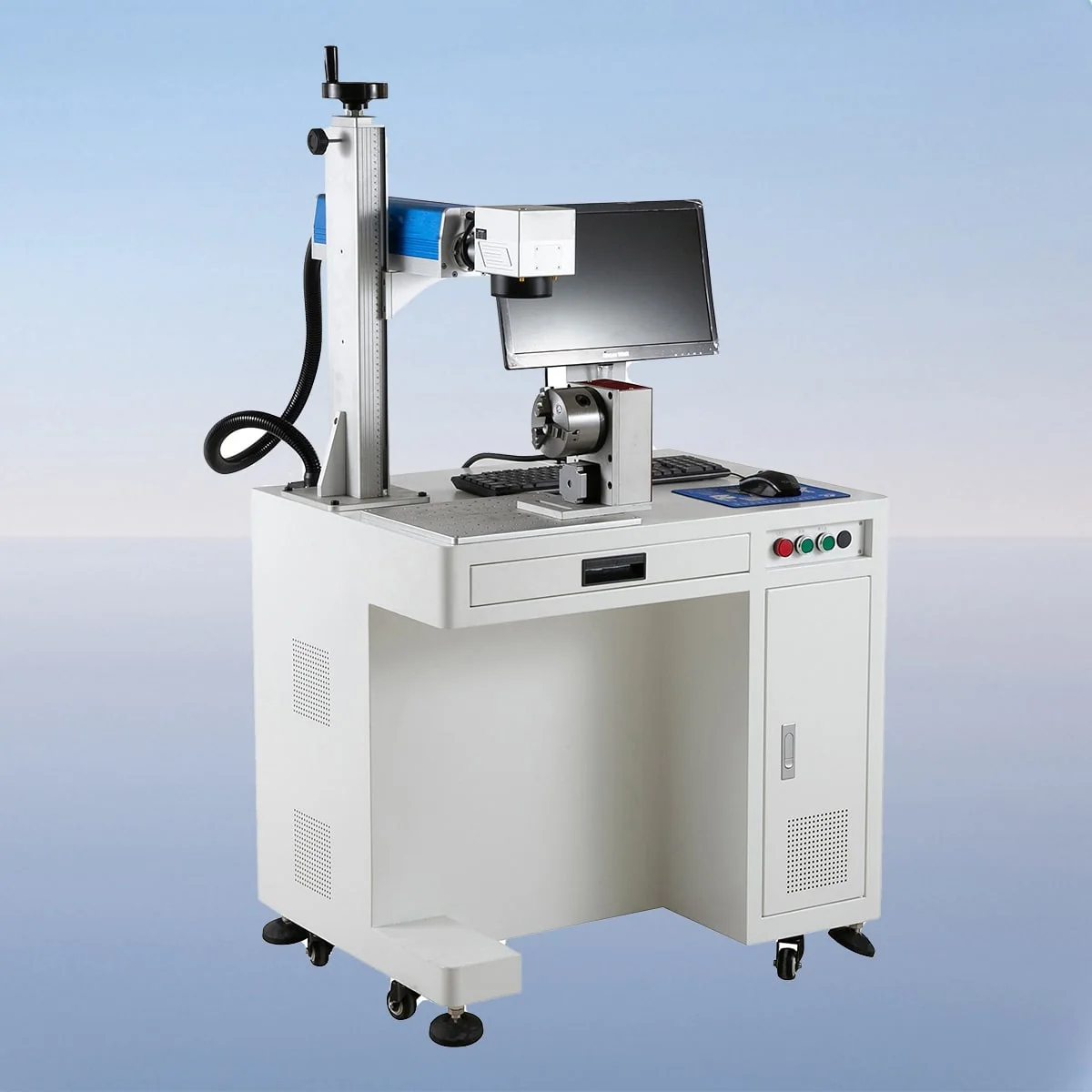
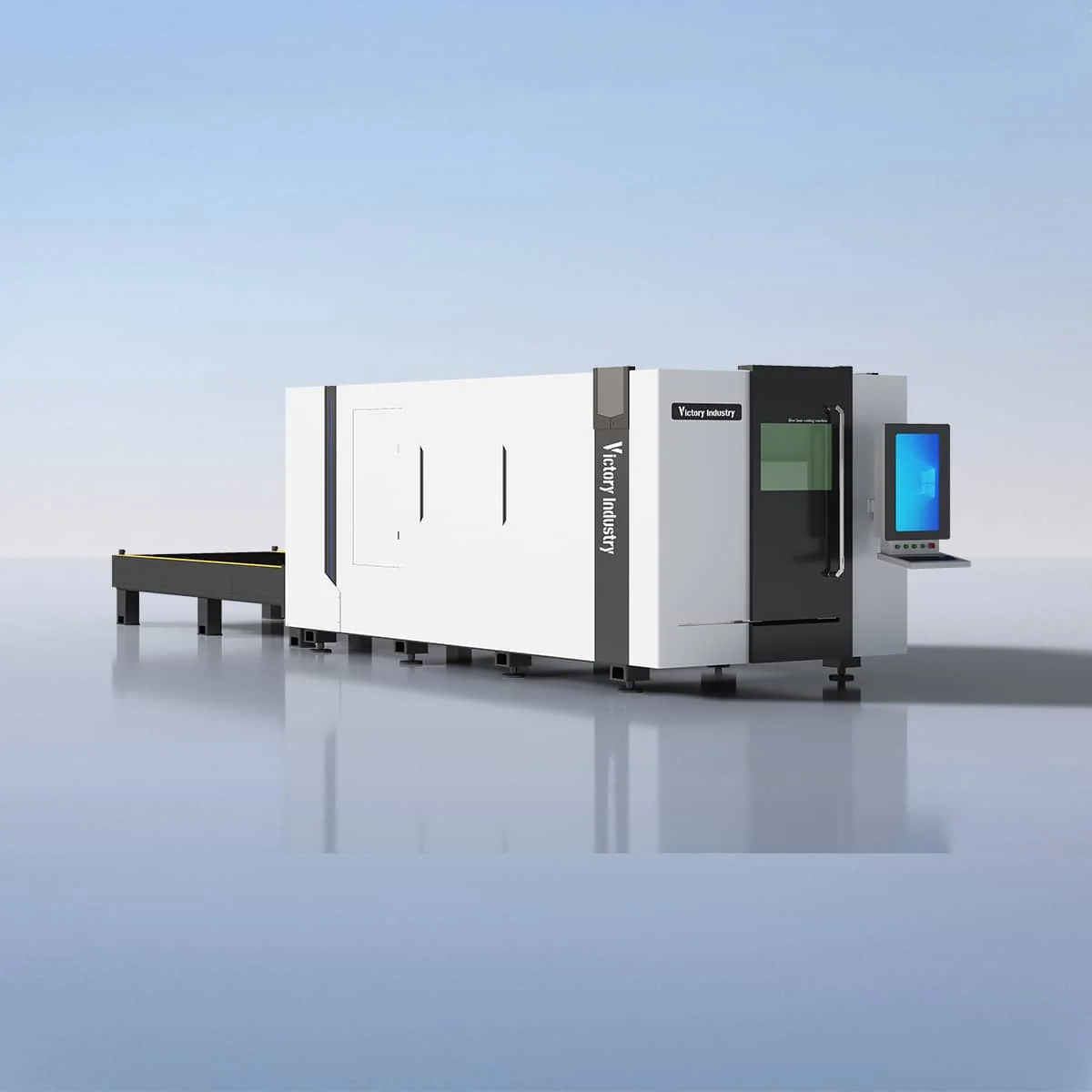
Sheet Laser Cutting Machine
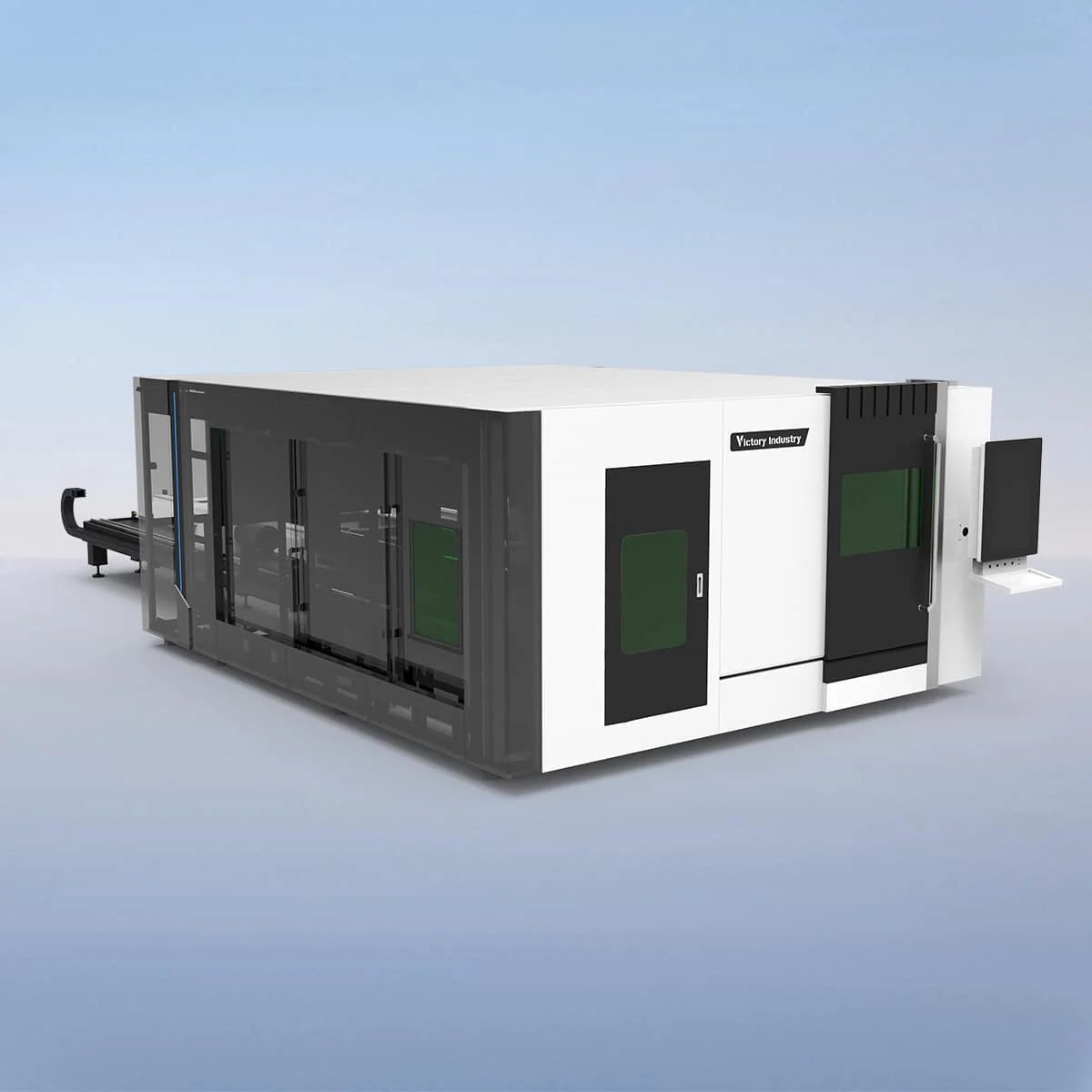
Tube And Sheet Laser Cutting Machine
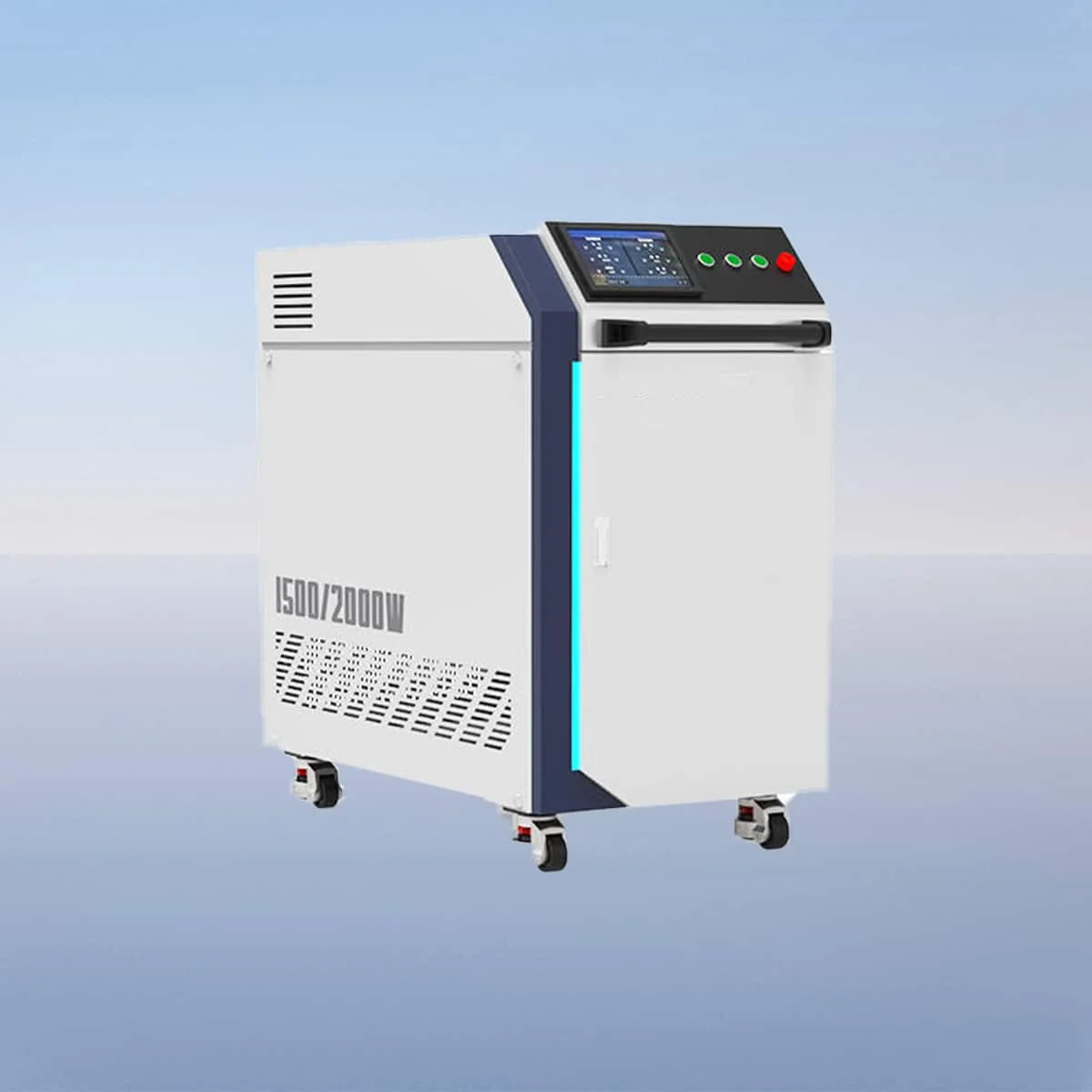
Laser Cleaning Machine
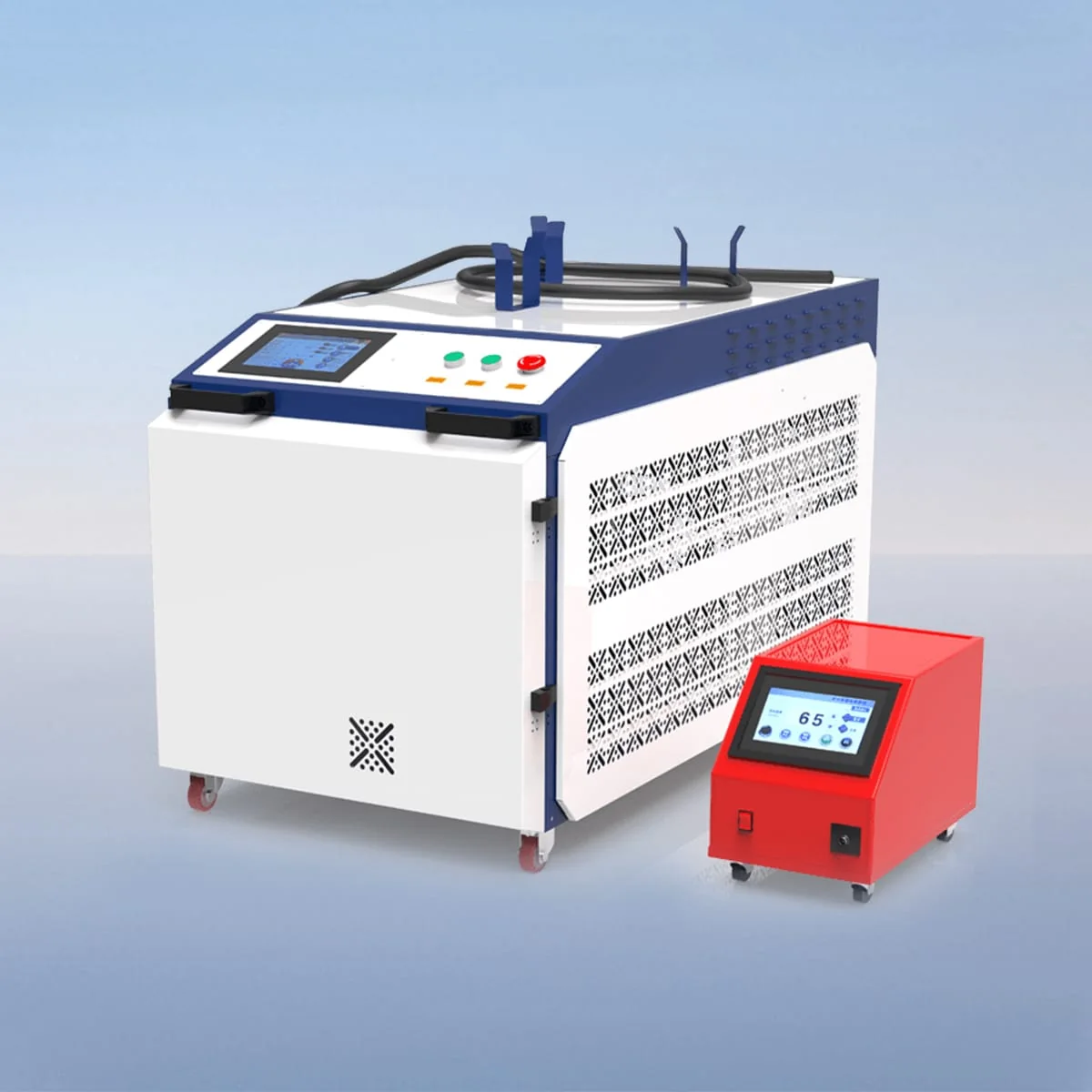
Laser Cleaning Machine
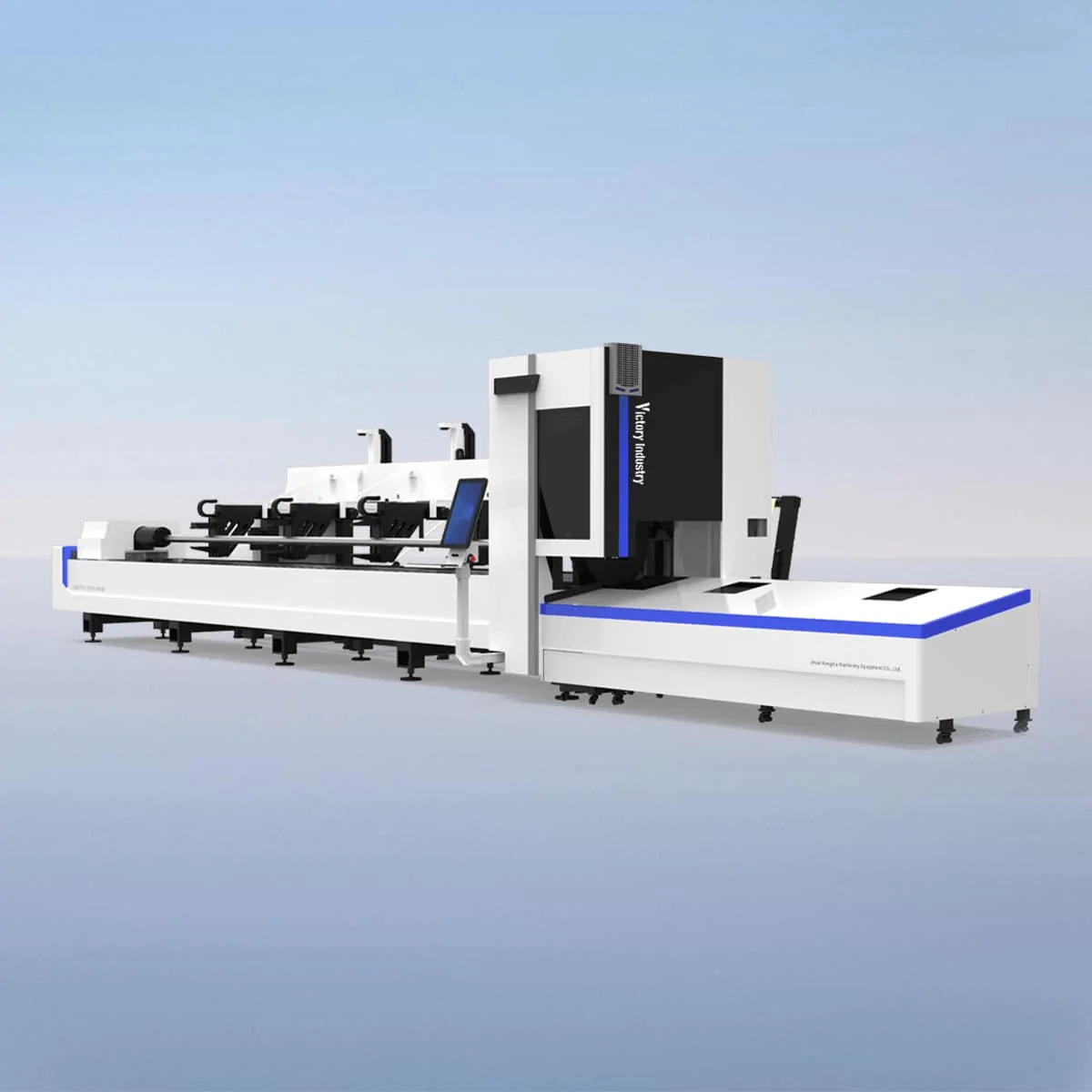
Tube Laser Cutting Machine
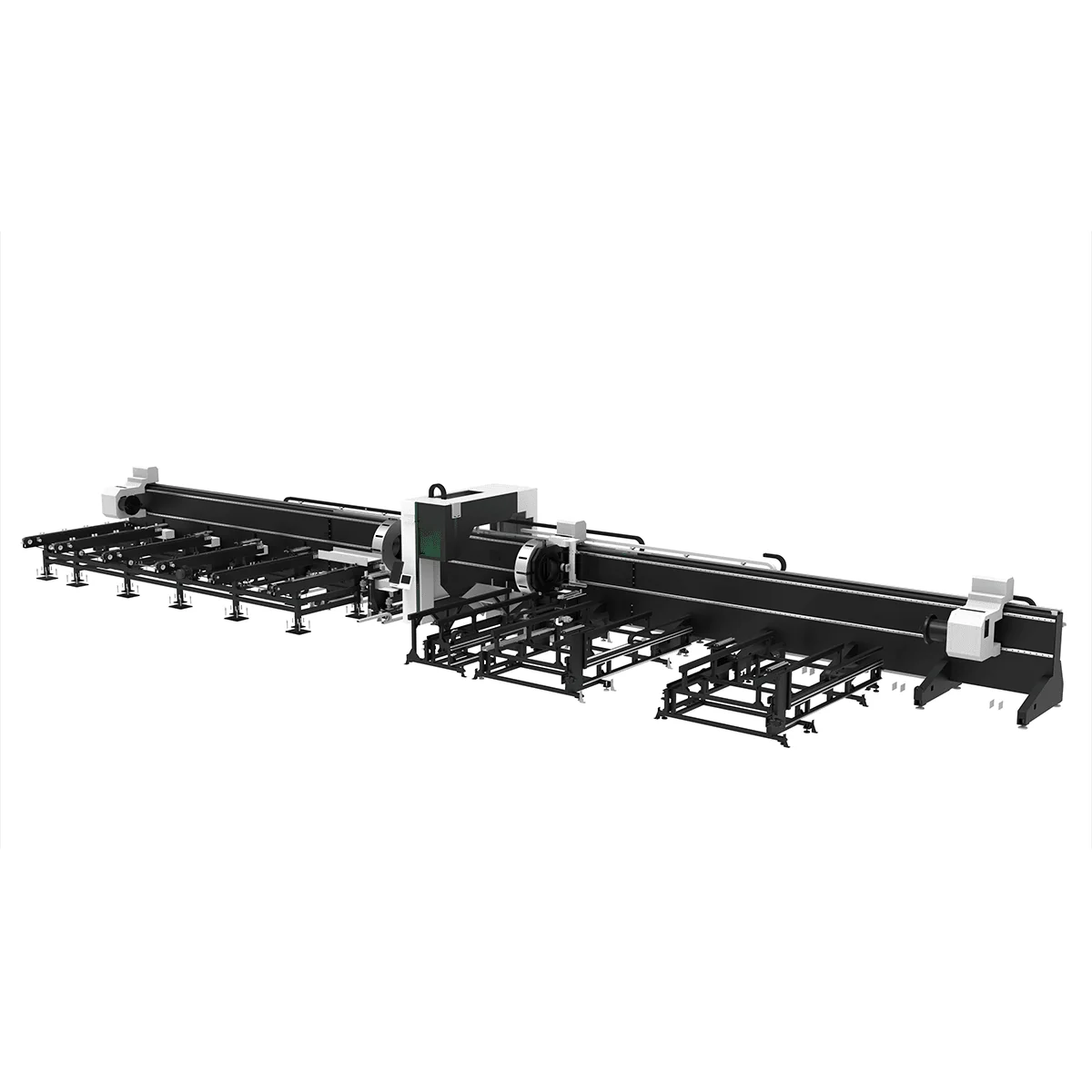
Tube Laser Cutting Machine
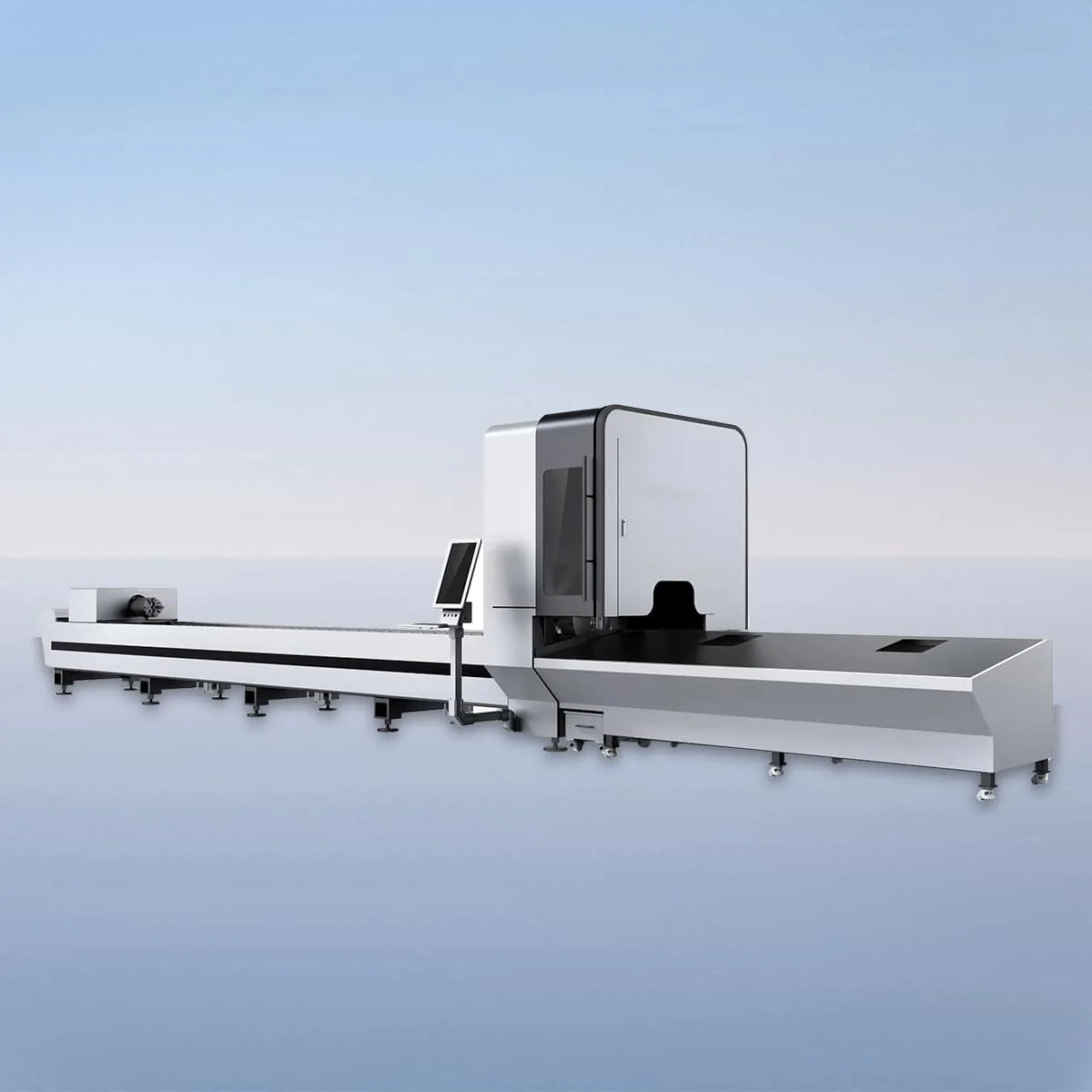
Tube Laser Cutting Machine
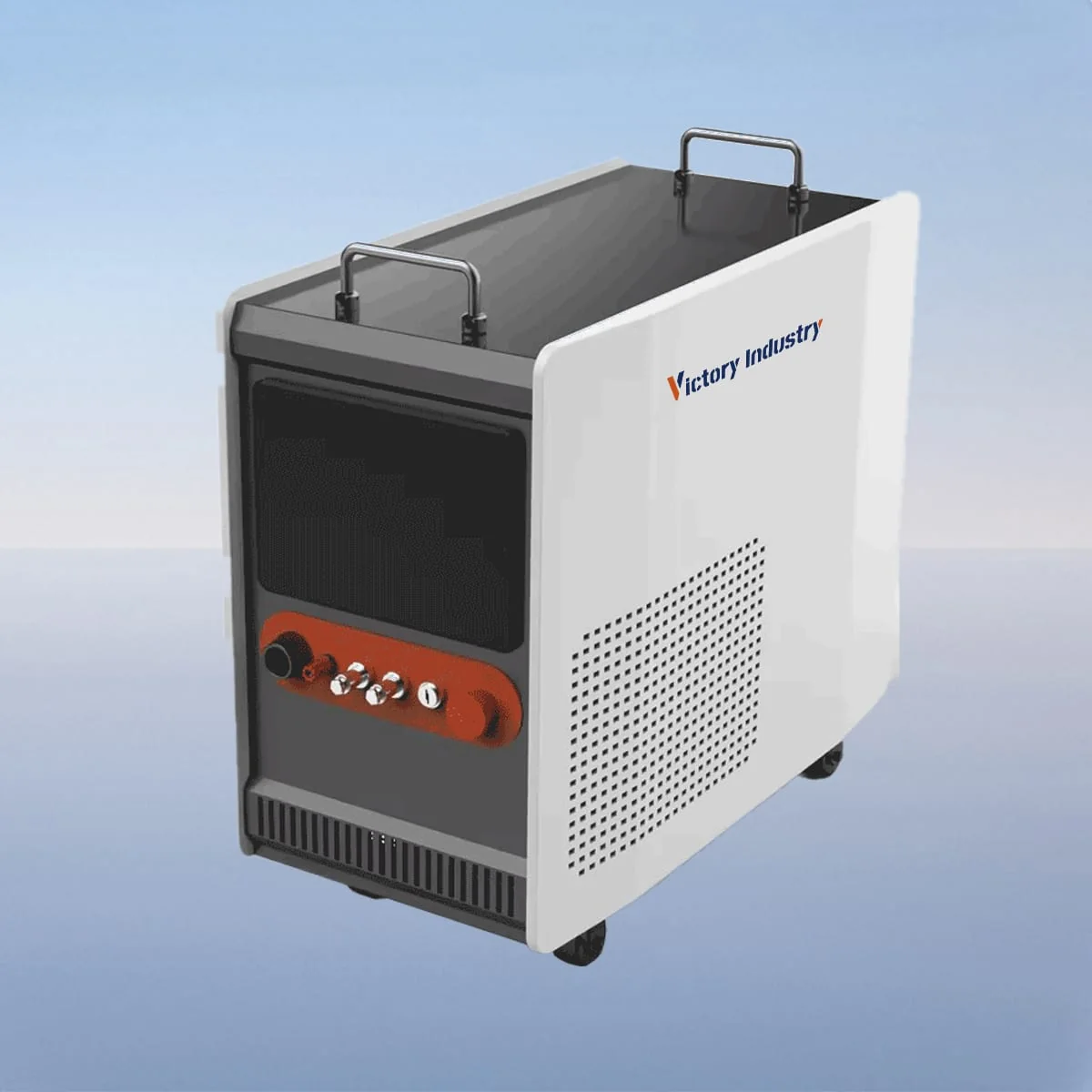
Laser Welding Machine
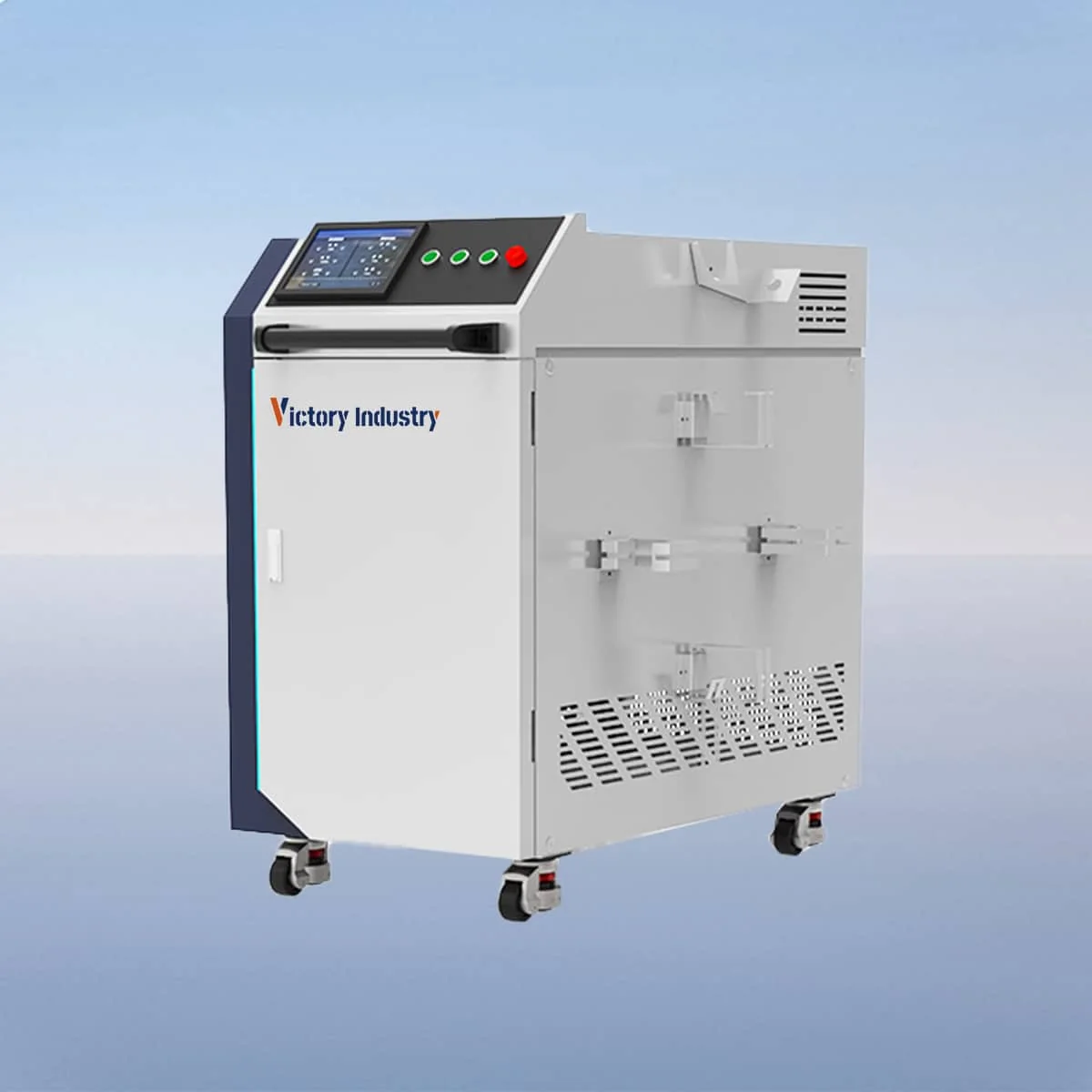
Laser Welding Machine
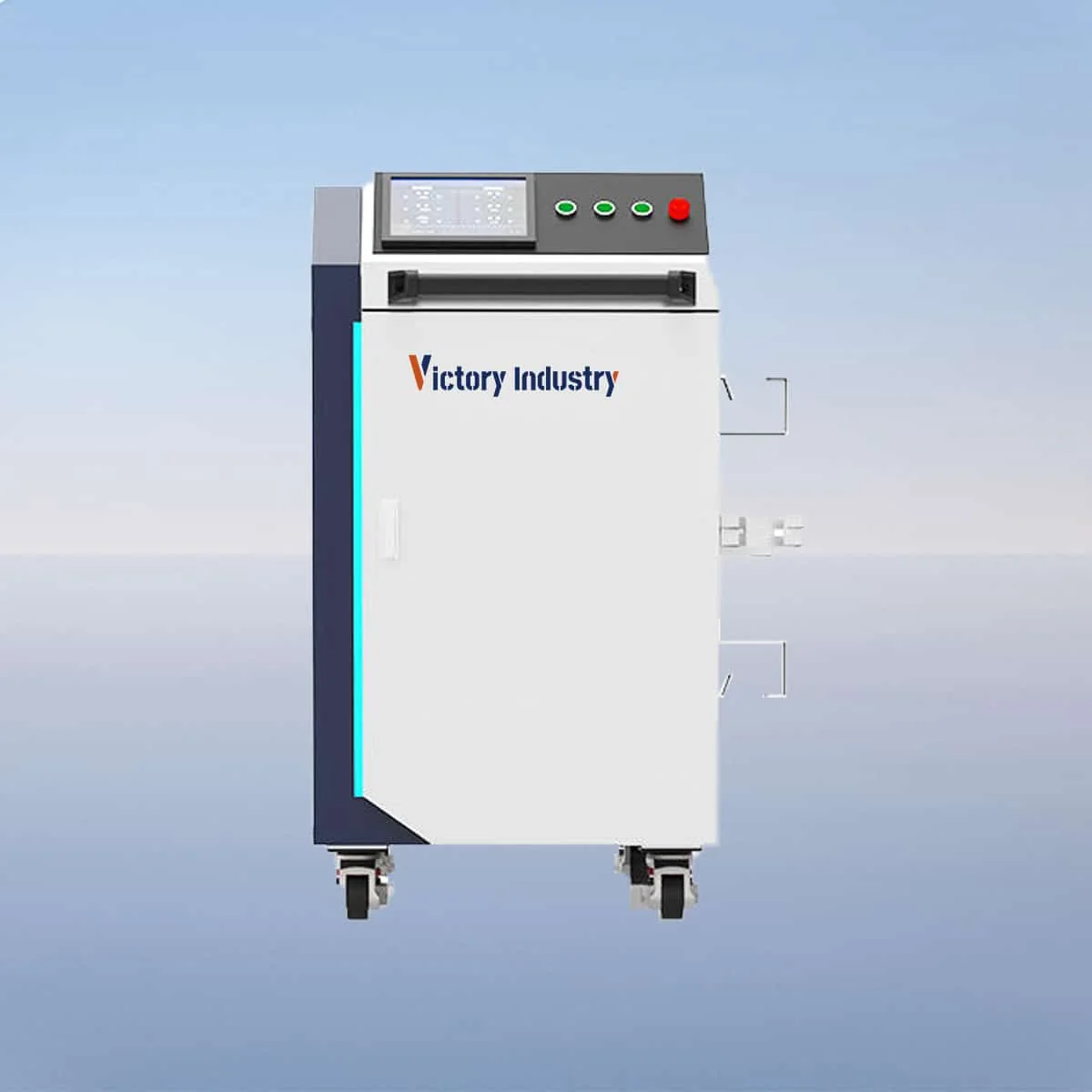
Laser Welding Machine
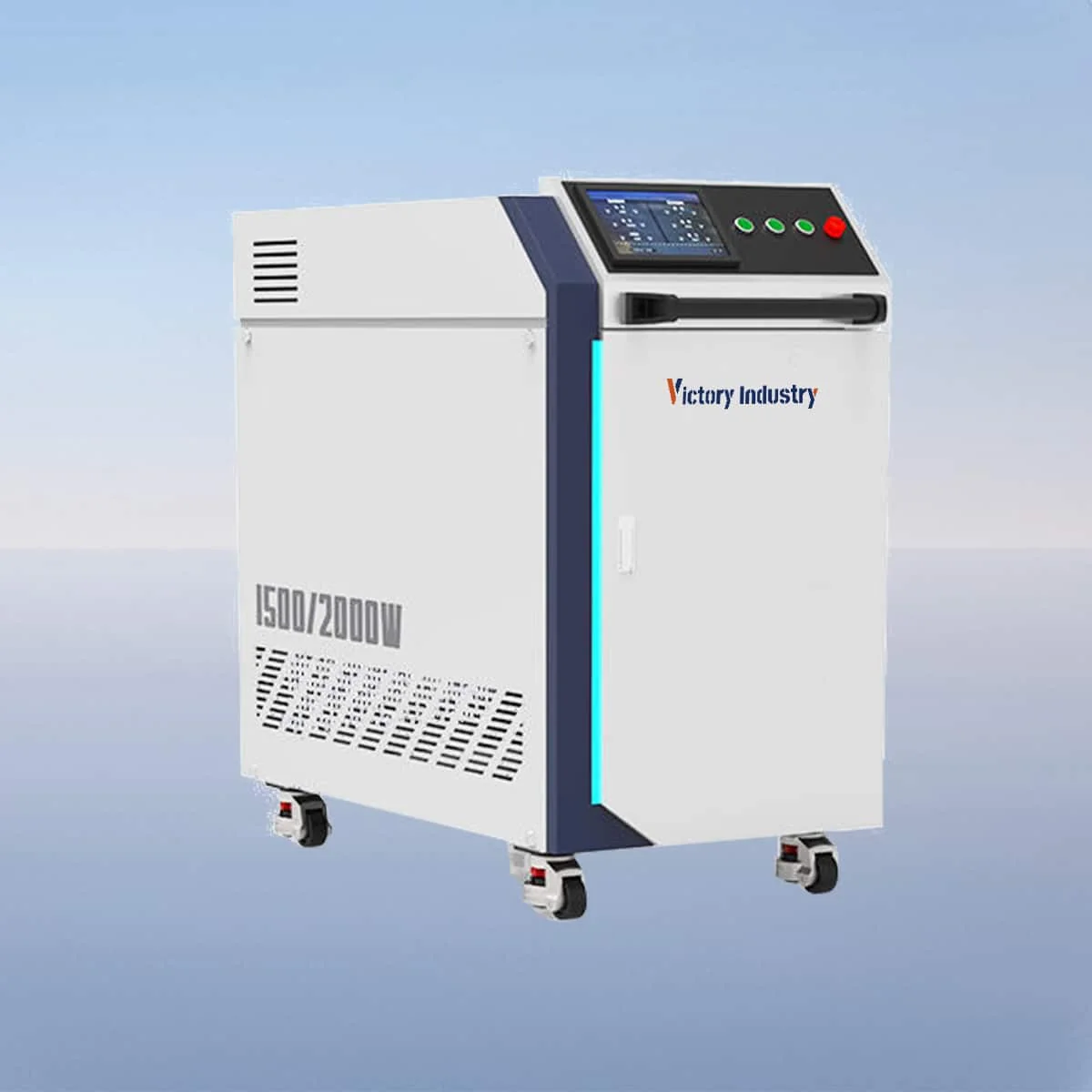
Laser Welding Machine
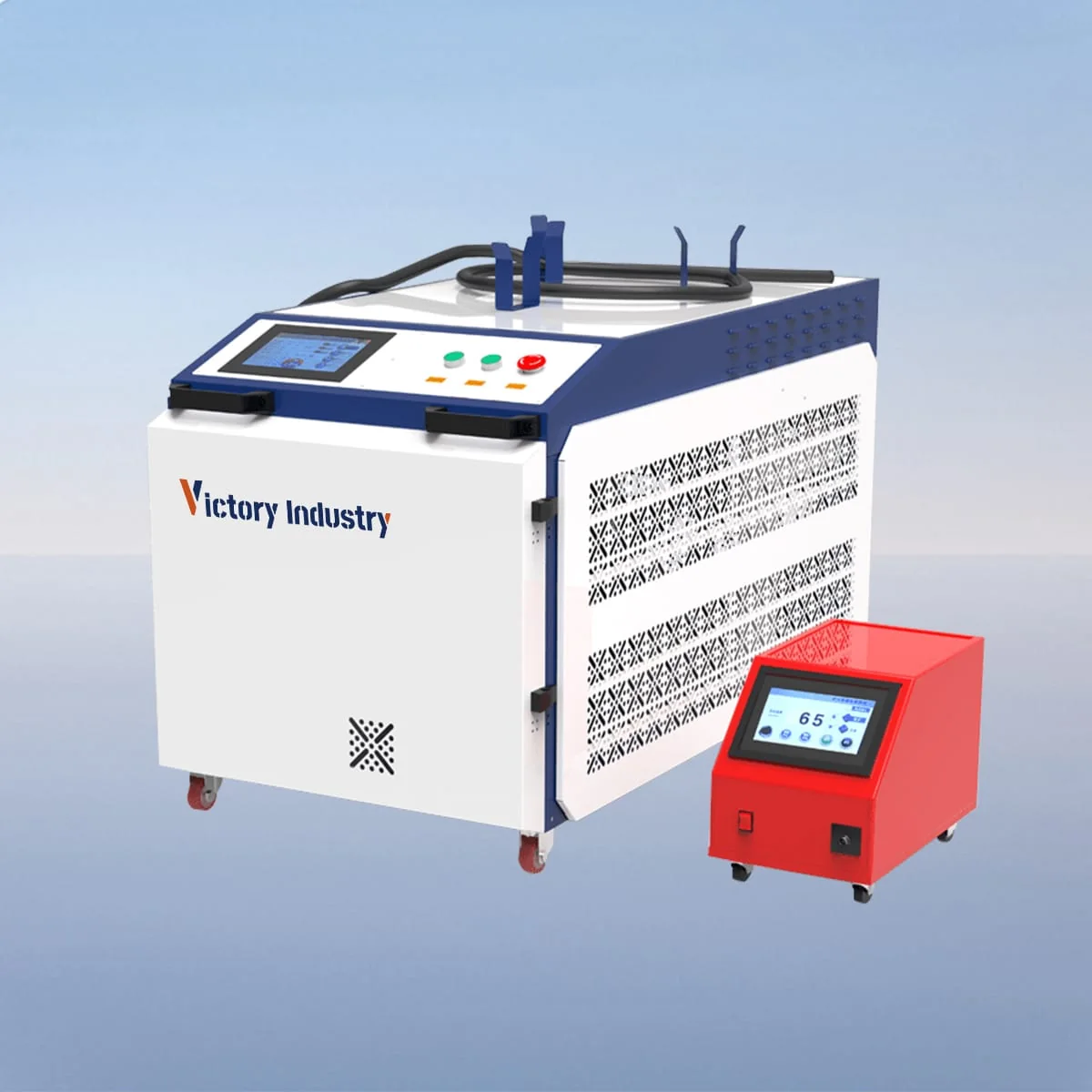
Laser Welding Machine
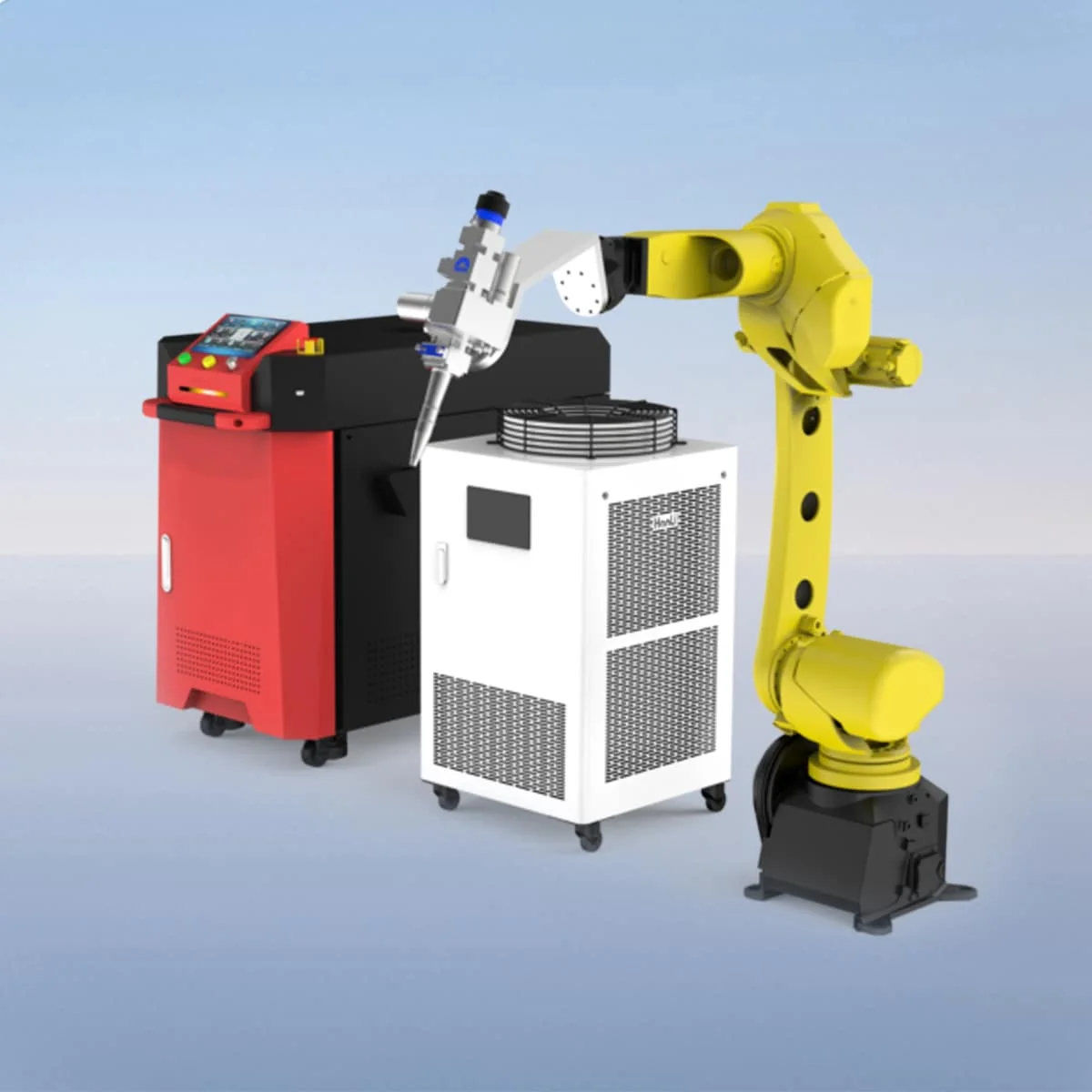
Laser Welding Machine
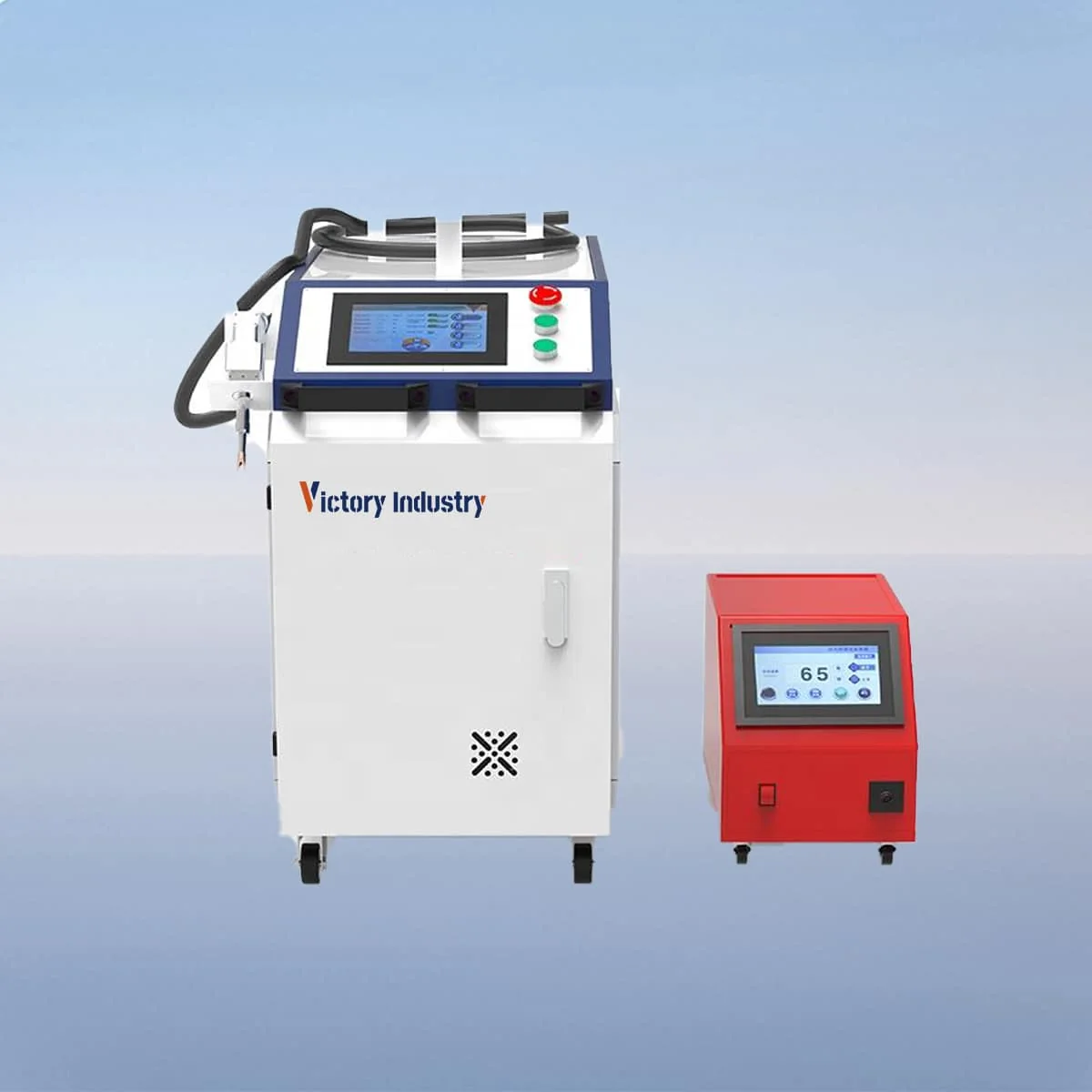
Laser Welding Machine
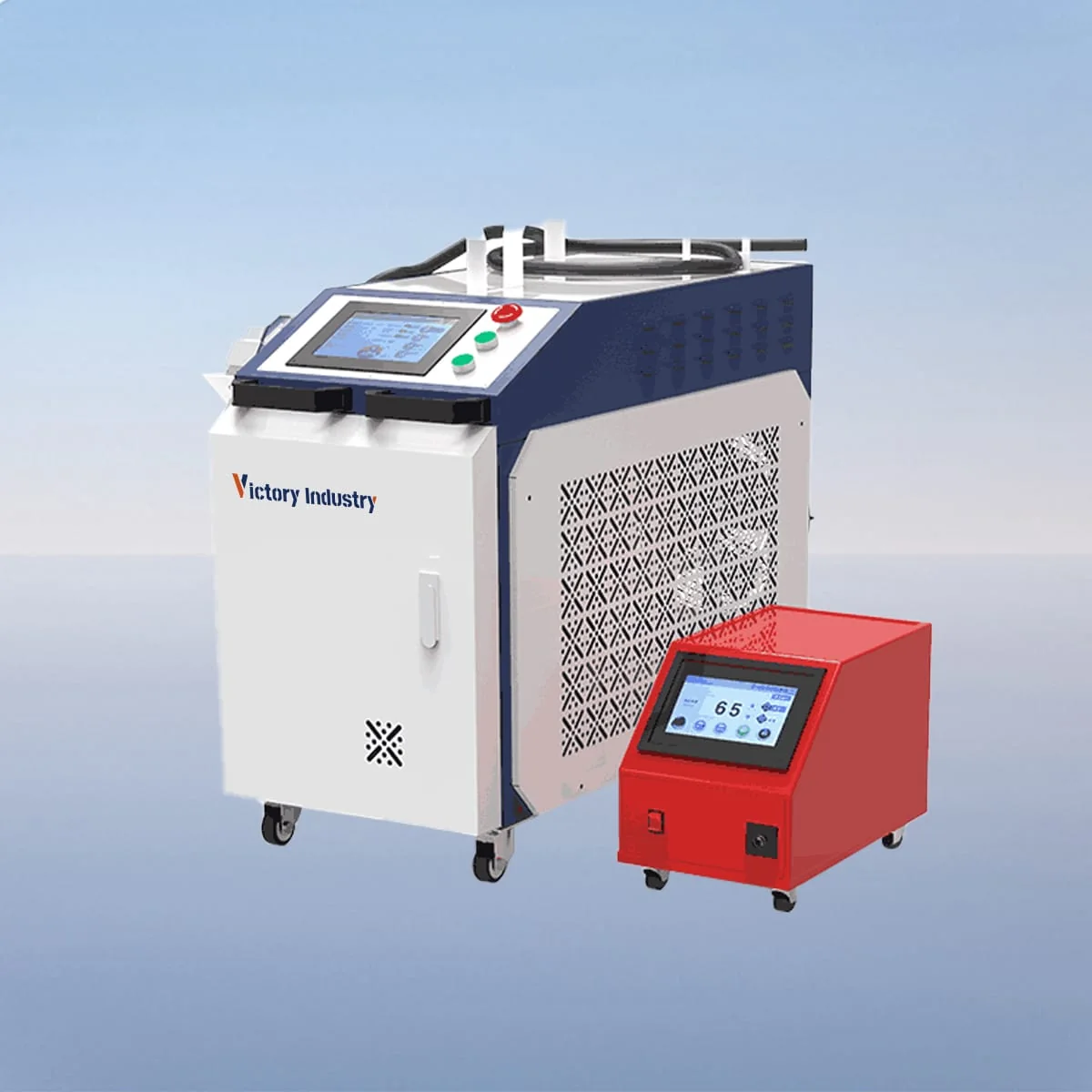
Laser Welding Machine
The Victory Industry catalog covers laser cutting, welding, cleaning and marking equipment, plus CNC press brakes. Select the process you need first. Within that category, open a series and then its named models to compare the listed data. If several processes are involved, keep a separate set of workpiece requirements for each one.
Define your application →Cutting equipment is organized into sheet, tube and combined tube-and-sheet groups, alongside fiber and CO2 categories. Welding is separated into handheld and automatic categories. Marking includes fiber, CO2 and MOPA equipment. These labels help you navigate the catalog; use the actual material, part and process requirements to guide the next configuration discussion.
Browse cutting categories →Browse welding categories →A series overview is a useful route into the range, while the individual model page identifies the specification associated with that model. Check the model heading before comparing values across tables. Keep dimensions, configuration options and the intended workpiece beside one another so your shortlist records why each machine is being considered.
A table may name several laser sources, heads or controls. Ask which options are proposed together for your project and which are alternatives. Where a specification matters to your purchase, include it explicitly in the inquiry and ask for it to be confirmed in the final equipment list.
Ask about a listed configuration →Record the series or model names you want to compare, along with the material, dimensions and output requirements they must address. Add the destination and any service requirements. Send the shortlist with questions about the points you cannot settle from the listed information, rather than selecting on a single parameter.
Plan the support scope →Yes. Name the process and describe your workpiece if you haven't selected a model. Include the category link to show where you started.
Use the specification and agreed equipment list to identify the configuration. Ask about any component or accessory that matters to your purchase.
Share your material, dimensions and process. Start a conversation about the right configuration.